
Clone Master- Multi Dual Space
CM Division
Preview
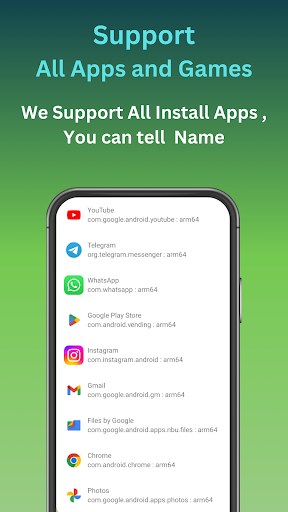
Overview
Core Features
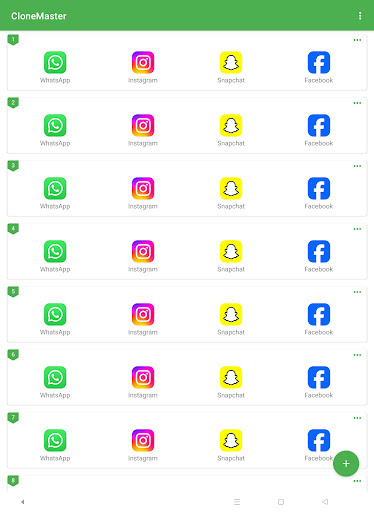
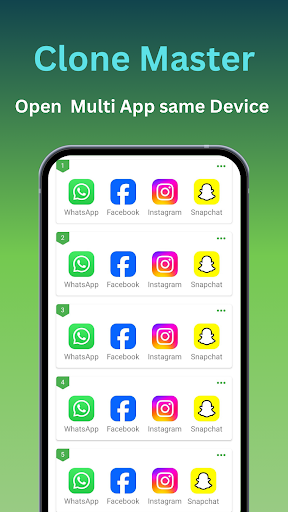
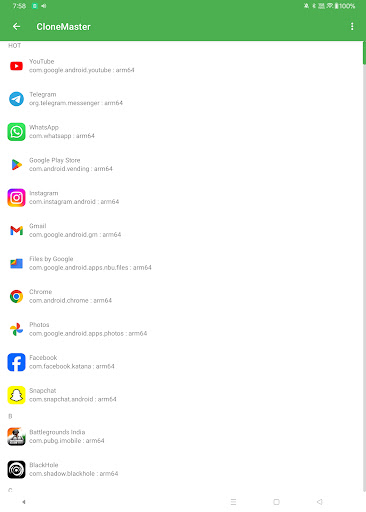
- Allows users to clone and create multiple versions of apps easily, enhancing app management capabilities.
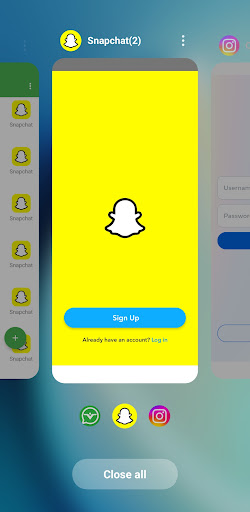
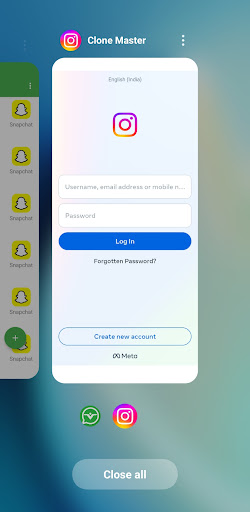
- Supports dual space functionality, enabling users to run two accounts of the same app simultaneously.
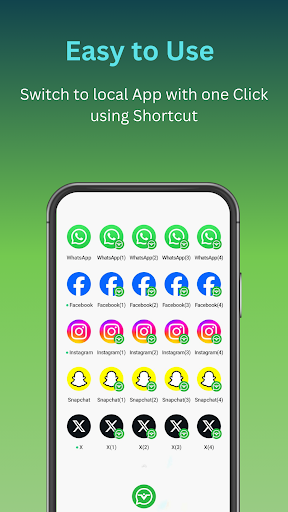
- Includes app features for quick app switching and seamless synchronization across different spaces.
- Offers a lightweight launcher app experience that doesn't slow down your device.
- Provides privacy options by hiding cloned apps, ensuring secure app-based solutions for users.
- Enables app backup and restore to prevent data loss during cloning or reinstallations.
- Supports customization of app icons and themes for a personalized user experience.
Who This App Is For
This mobile app is ideal for Android users who need to manage multiple accounts effortlessly, such as for social media, messaging, or gaming. It appeals to individuals seeking efficient app-based solutions for personal or professional use.
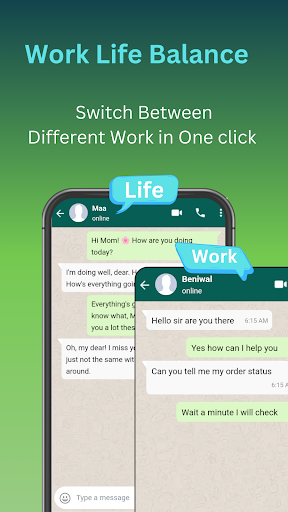
Whether you are a digital marketer, social media manager, or someone managing personal and work profiles, this app helps streamline your app experience. It's perfect for anyone wanting a reliable launcher app with multi-account support and privacy features.
Why Choose This App
This Android app offers a straightforward way to clone apps and create a flexible multi-space environment, making it a must-have tool for users wanting better app features and management. Its user-friendly design makes it accessible even for non-technical users.
What sets it apart is its focus on security, customization, and stability, providing a trustworthy app experience. This app-based solution simplifies your digital life, allowing quick access and seamless switching between multiple app accounts, all in one launcher app.
Features
Easy app duplication for multitasking efficiency
Optimized performance tailored to Android 15
Seamless cloning of multiple apps easily
Personalized app icons and names
Secure privacy with data separation
Enhanced app management and switching
No root needed for advanced cloning
Versatile usage for social, work, and entertainment
More Information
Clone Master - Multi Dual Space is a versatile Android app designed to help users easily create multiple instances of their favorite applications. As a reliable app-based solution, it allows for seamless duplicate app cloning and management, enhancing the overall app experience. Whether for work or personal use, this tool offers an intuitive way to optimize your mobile app usage efficiently.
👍 Pros
- Multi-space cloning allows users to run multiple accounts simultaneously.You can easily switch between different app instances without logging out.
- Supports a wide range of social media and messaging apps.Helps users manage multiple profiles for platforms like WhatsApp, Facebook, and Instagram.
- User-friendly interface with quick cloning process.Makes it easy for new users to clone and set up new spaces efficiently.
- Offers good privacy controls for each space.Reduces the risk of cross-profile data leaks.
- Free to use with optional premium features.Provides valuable functionalities without immediate costs.
👎 Cons
- Cloning sometimes causes app crashes or lag.Occasionally the cloned apps freeze or crash, especially on older devices.
- Limited customization options for each space.Users cannot customize themes or layouts for individual cloned spaces.
- Some apps may not function perfectly within cloned spaces.Certain social media apps detect cloning and restrict functionalities.
- Battery consumption increases with multiple spaces running.Running several clones simultaneously can drain battery faster.
- The app may require frequent updates for optimal performance.Future updates are expected to improve stability and compatibility.
Download Clone Master- Multi Dual Space
You are going to be redirected to the official website to finish the download when you click these buttons above.







