Document Reader & Viewer
Shark Studio - Awesome Apps
Preview
Overview
Core Features
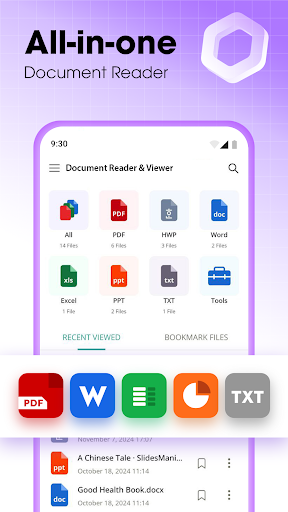
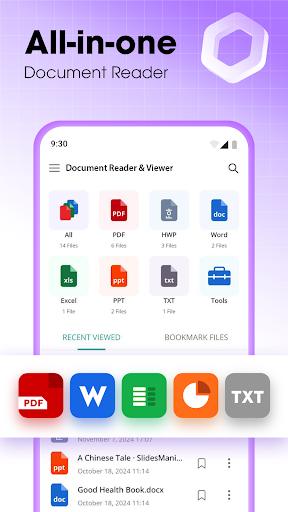
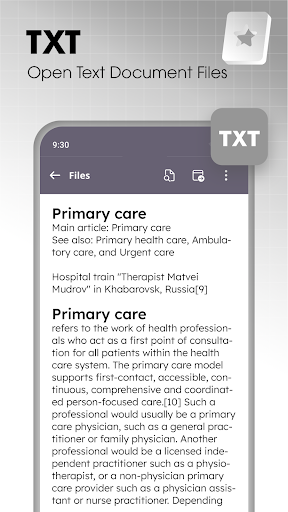
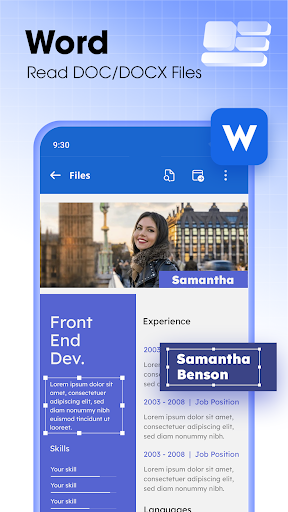
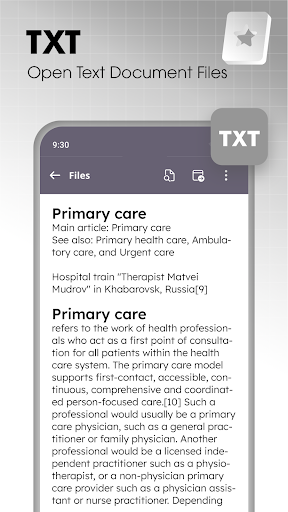
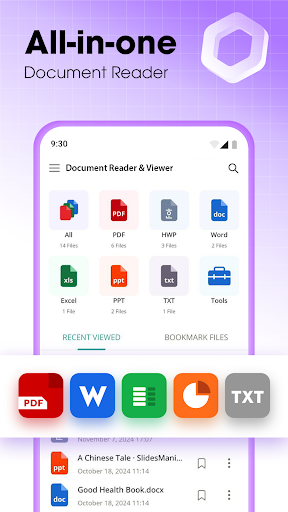
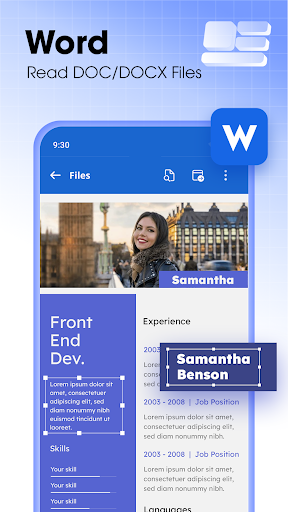
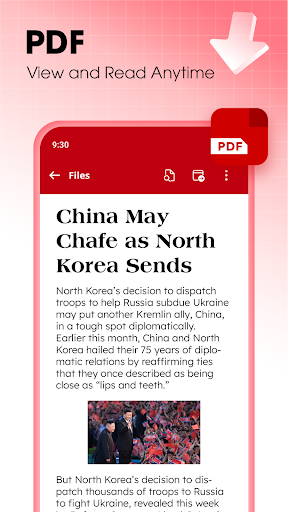
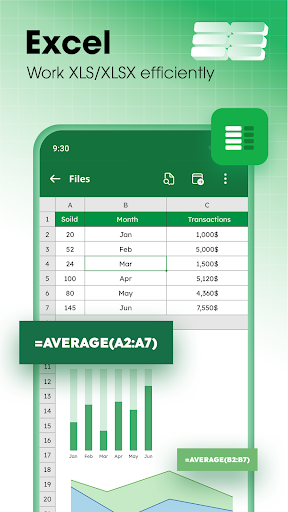
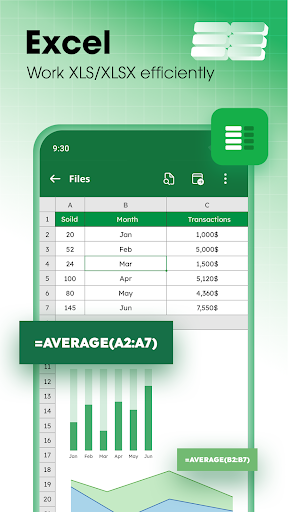
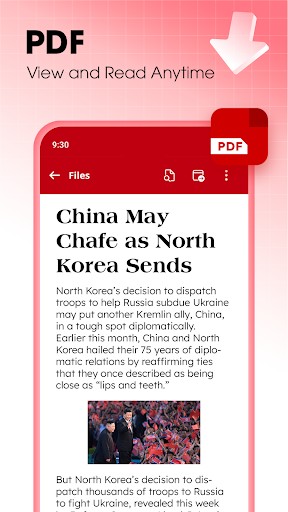
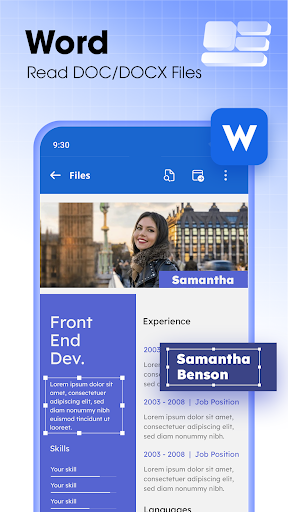
- Intuitive document viewer supporting various formats like PDF, DOCX, and TXT for seamless access.
- Enhanced app features include multi-tab browsing for easy management of multiple documents simultaneously.
- Offline mode allows users to read and view documents without an internet connection, ideal for on-the-go use.
- Built-in search functionality helps quickly locate specific text within lengthy documents.
- Secure data encryption ensures your files stay private and protected within the app environment.
- Customizable viewing options, such as zoom, night mode, and page rotation, enhance the app experience.
Who This App Is For
This mobile app is designed for students, professionals, and anyone who needs a reliable document reader on their Android device. It's perfect for users seeking an efficient app-based solution to manage their reading materials easily.
Whether you're reviewing files during meetings, studying with textbooks, or accessing important documents offline, this app offers a practical and user-friendly app experience tailored to your daily needs.
Why Choose This App
This Android app stands out due to its simple interface and rich app features, making document viewing effortless. It provides a smooth app experience combined with reliable security and offline access, addressing common user needs effectively.
Designed as a versatile launcher app for productivity, it offers an excellent app-based solution to organize and view documents on the go, saving you time and effort in managing files efficiently.
Features
Simplifies document access for mobile productivity
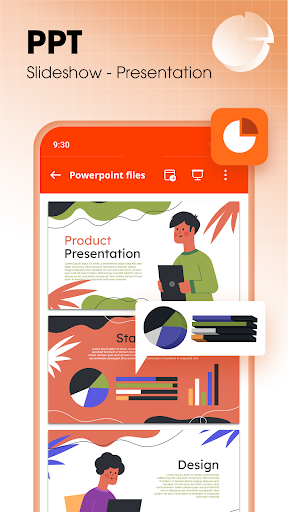
Supports multiple file formats for seamless file management
Offline access for uninterrupted productivity on the go
Easy document organization for quick retrieval
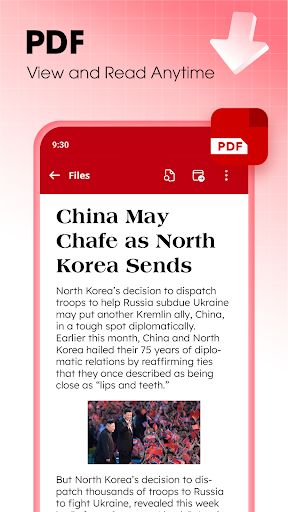
Comfortable PDF reading and annotation experience
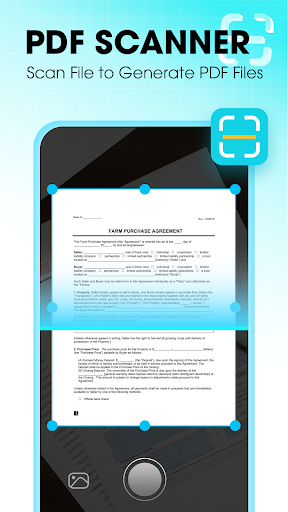
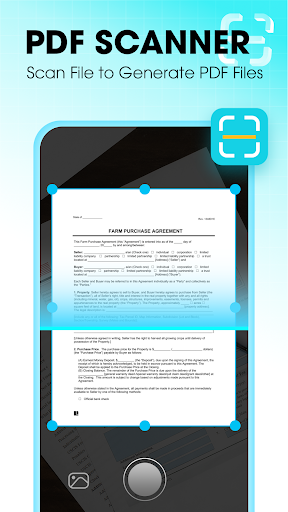
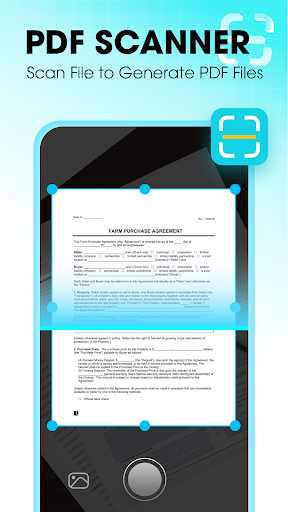
Quick document scanning with auto-enhancement technology
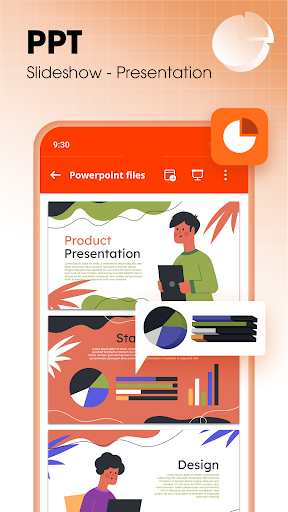
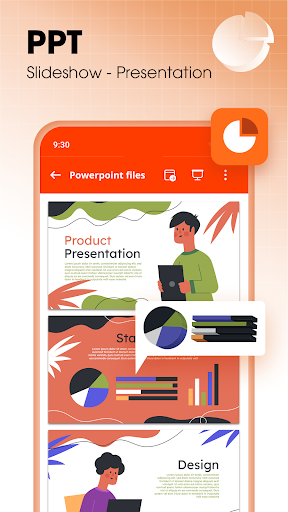
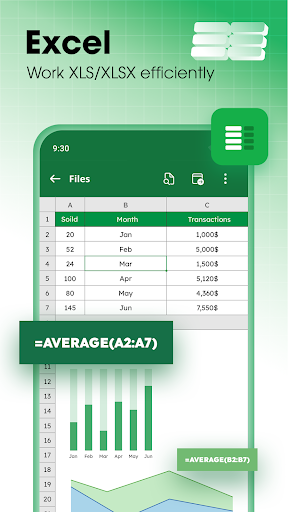
Edit and manage office files directly on the device
User-friendly interface with stable performance
More Information
Document Reader & Viewer is a reliable mobile application designed to simplify how you access and manage various document formats on your Android device. With its user-friendly interface, this Android app offers a seamless app experience, allowing you to easily open, view, and organize files such as PDFs, Word documents, and more. Whether for personal or professional use, it provides an efficient app-based solution to stay organized and productive on the go.
👍 Pros
- Intuitive User InterfaceThe app offers a clean, easy-to-navigate layout suitable for all user levels.
- Fast Document RenderingIt processes and displays complex documents quickly, saving user time.
- Wide Format CompatibilitySupports various file types like PDF, Word, and ePUB, ensuring versatility.
- Robust Search FunctionalityOffers powerful search options, making information retrieval efficient.
- Annotation and Highlighting ToolsProvides multiple tools for users to annotate and mark up documents easily.
👎 Cons
- Limited PDF Editing FeaturesCurrently, editing capabilities are basic; users might need external tools for advanced edits. (Workaround: Use dedicated PDF editors or upcoming app updates)
- Occasional Lag with Large FilesSome users experience slow performance with very large documents, which may disrupt workflow. (Optimization updates are planned in future releases)
- Difficulties with Certain File TypesSupport for some less common formats may be limited or require conversion beforehand.
- Limited Offline FunctionalityMost features require an internet connection, which could hinder use in offline scenarios.
- Minor Interface Clutter on Small ScreensThe app may appear crowded on smaller devices, potentially affecting usability.
Download Document Reader & Viewer
You are going to be redirected to the official website to finish the download when you click these buttons above.







