FX File Explorer: Plus License
NextApp, Inc.
Preview
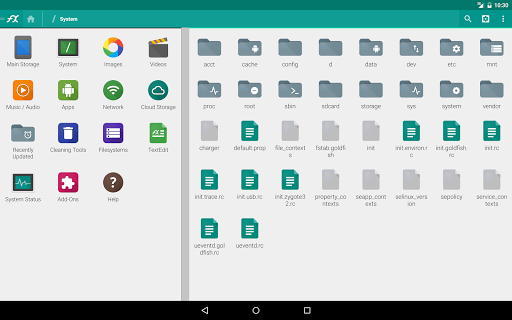
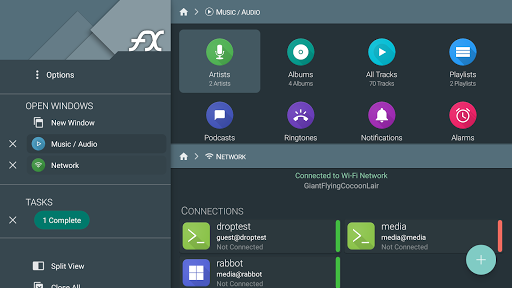
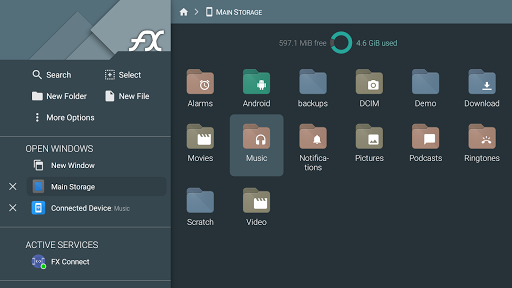
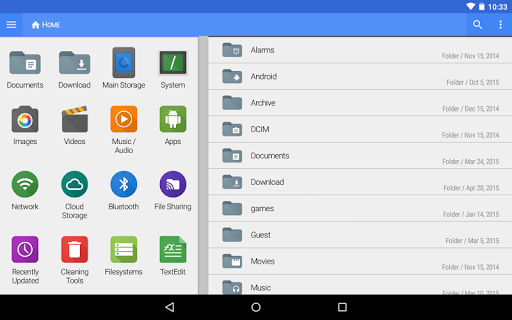


Overview
Core Features
- Robust file management with the app features including easy renaming, moving, and deleting files directly within the app.
- Supports dual-pane browsing for efficient file transfer between folders or external storage devices.
- Built-in ZIP and RAR file support for compressing and extracting files without needing third-party apps.
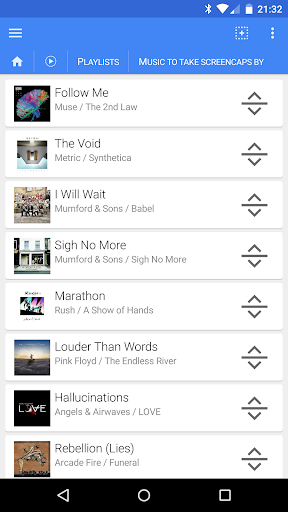
- Advanced search capabilities help locate files quickly with filters and keyword-based searches.
- Cloud storage integration allows seamless access and management of files across services like Google Drive and Dropbox.
- Secure encryption options ensure sensitive files are protected, enhancing trustworthiness as a reliable app-based solution.
- Offline mode lets users access and manage files without an internet connection, improving app experience in low connectivity areas.
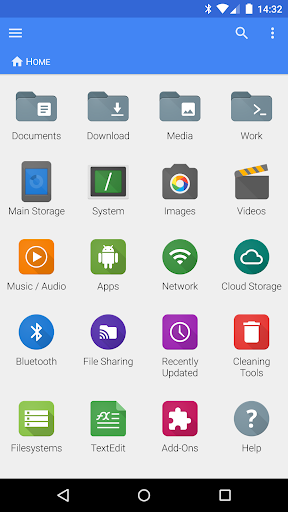
- Customizable interface and quick access features make navigation intuitive for both beginners and power users.
Who This App Is For
This mobile app is ideal for professionals, students, or anyone who needs to organize and manage files efficiently on their Android devices. It's perfect for users who want a reliable, easy-to-use file explorer for daily tasks.
People who frequently transfer files between devices, require secure storage options, or need an app-based solution for managing multiple cloud accounts will find this Android app especially useful for enhancing their app experience.
Why Choose This App
This Android app stands out due to its comprehensive app features that combine ease of use with powerful file management tools. It provides a seamless app-based solution tailored to users needing efficient file handling and organization.
With a focus on security, versatility, and a user-friendly interface, this app offers a trustworthy experience that tackles common file management challenges, making it the preferred choice over similar launcher apps and file explorers.
Features
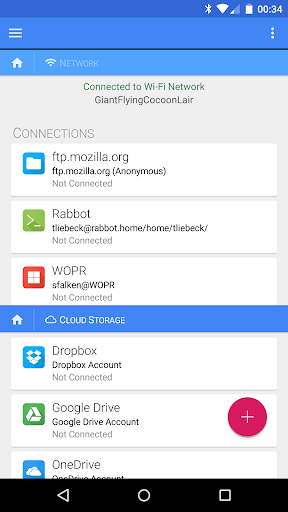
Seamless Cloud and Network Integration for Easy File Access
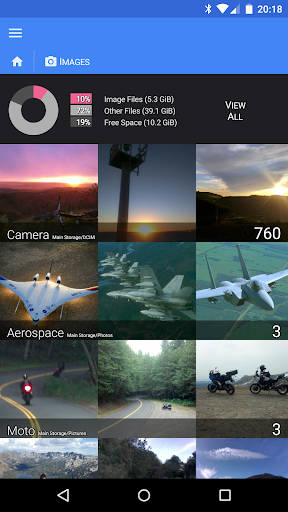
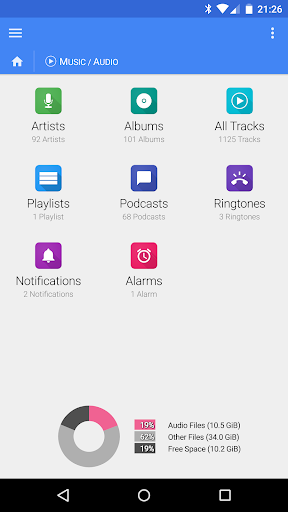
Advanced Media Browsing for Better Digital Organization
Secure Encryption and Password Protection for Data Safety
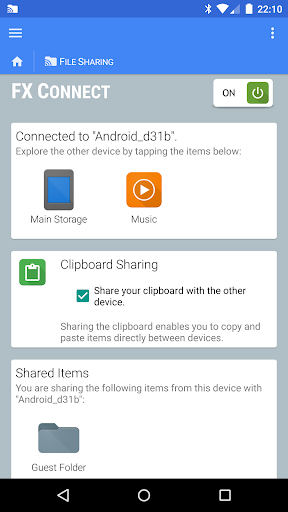
Fast Wireless Transfer via NFC and Wi-Fi Connections
Efficient File Compression and Encryption Capabilities
Comprehensive Cloud Storage Management for Multiple Services
Versatile Network Protocol Support for Flexible Connections
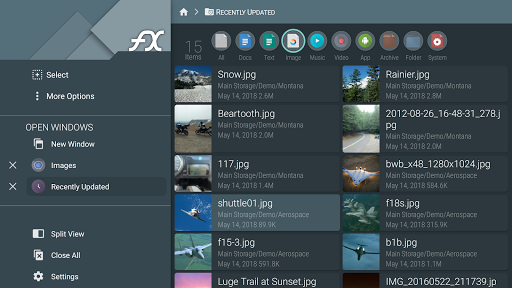
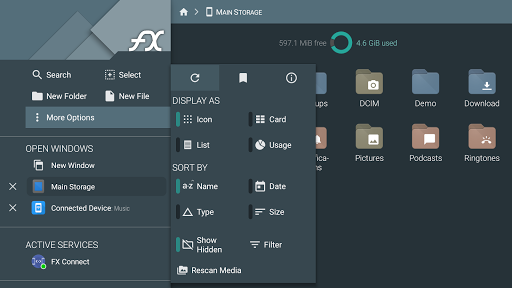
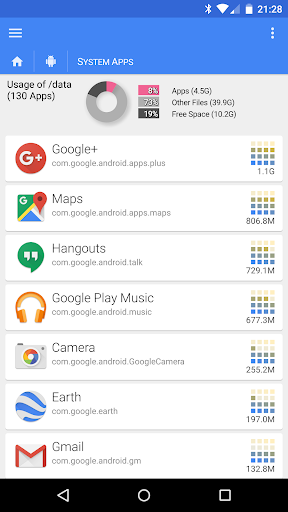
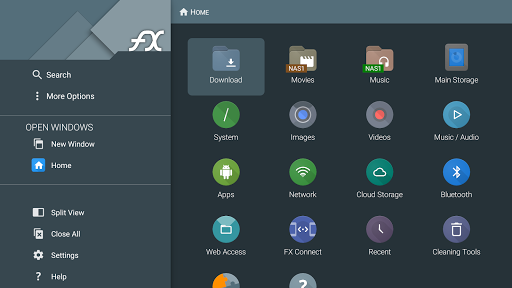
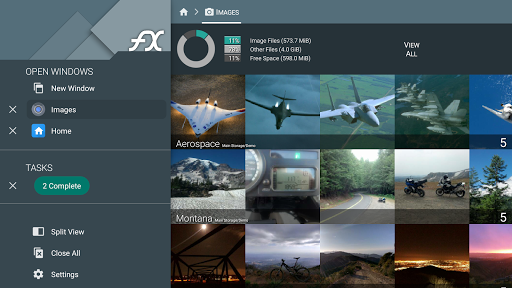
Intuitive Interface for Effortless File Management
More Information
FX File Explorer: Plus License is a reliable Android app designed for managing and organizing files efficiently on mobile devices. This app provides a user-friendly interface and a range of features that make file browsing, copying, and sharing straightforward, offering an enhanced app experience for users seeking a robust file management solution.
👍 Pros
- Intuitive User InterfaceThe app offers a clean, easy-to-navigate layout that enhances user productivity.
- Robust File Management FeaturesSupports multiple file operations such as copying, moving, deleting, and batch renaming efficiently.
- Advanced Compression SupportIncludes built-in ZIP and RAR extraction and creation, saving the need for third-party apps.
- Built-in Cloud Storage IntegrationEnables seamless connection to services like Google Drive and Dropbox for easy file transfer.
- Enhanced Security FeaturesOffers options for password protection and secure file browsing, ensuring data safety.
👎 Cons
- Limited Free TrialThe Plus License requires a purchase after a short trial period, which may be restrictive for some users.
- Occasional Slow Response on Large FilesHandling very large files can result in minor delays or lag, but restarting the app often resolves this.
- Limited Customization OptionsSome users may find the customization features for the interface or workflows somewhat basic; future updates could expand options.
- In-app Advertising in Free VersionWhile the Plus License removes ads, users of the free version may experience some promotional content, which can be mitigated by upgrading.
- Learning Curve for Advanced FeaturesNew users may need some time to fully utilize features like root access or scripting; official tutorials can help ease this.
Download FX File Explorer: Plus License
You are going to be redirected to the official website to finish the download when you click these buttons above.







