
GPS Waypoints Navigator | MAPS
Disciple Skies Software
Preview

Overview
Core Features
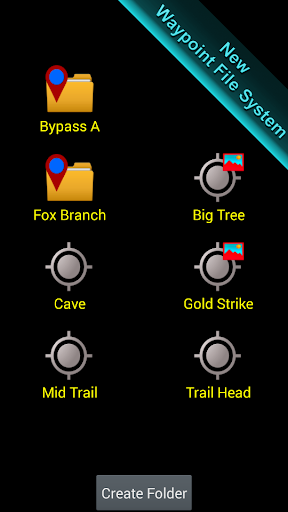
- The app features an intuitive interface for easy navigation of waypoints and routes, enhancing the app experience.
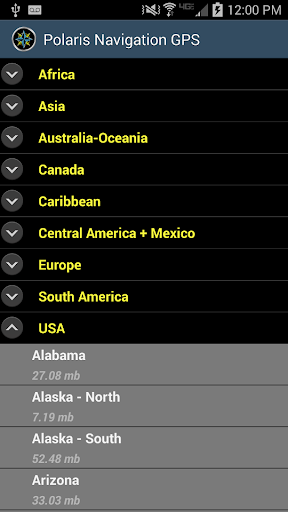
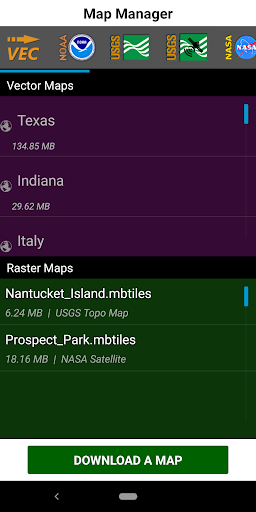
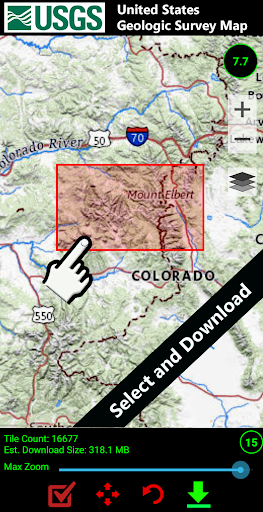
- Offline mode allows users to access maps and save locations without an internet connection, ideal for remote areas.
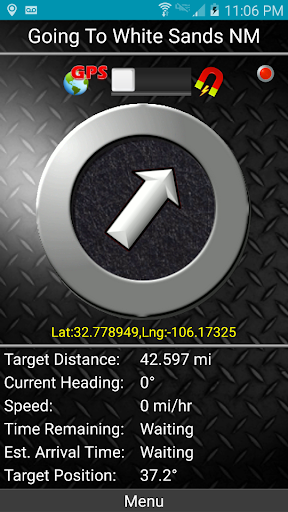
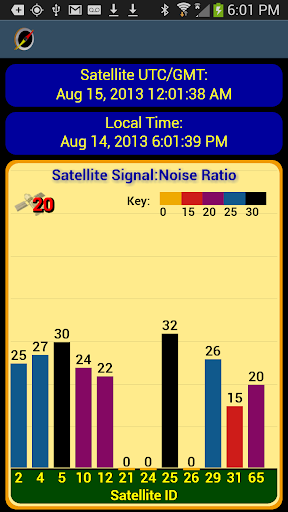
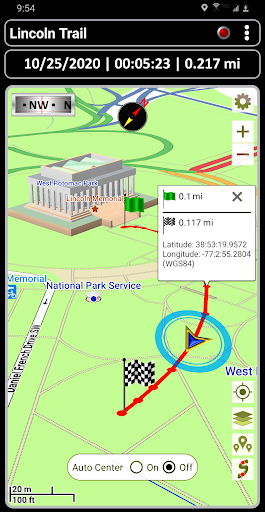
- Real-time GPS tracking provides accurate positioning, ensuring precise navigation during outdoor activities.
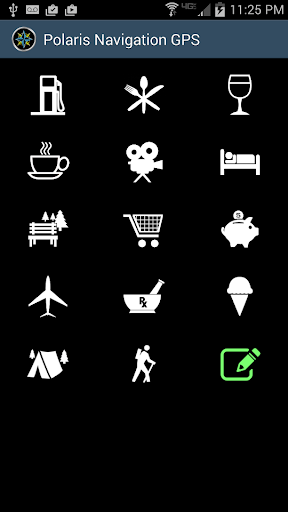
- Customizable waypoint markers help users organize their routes and easily find important locations.
- Supported on Android app devices, the app features seamless integration with device sensors for reliable performance.
- Sharing options enable users to export routes and waypoints, promoting collaborative planning among friends or teams.
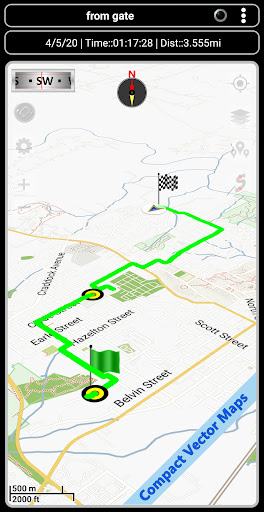
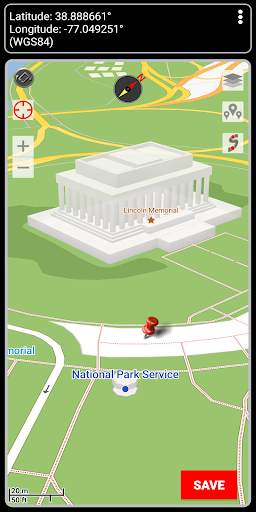
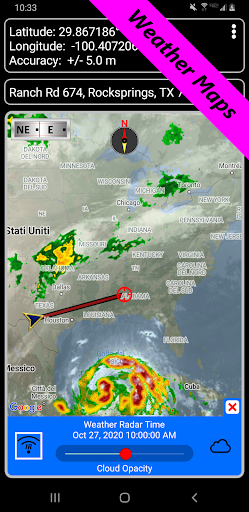
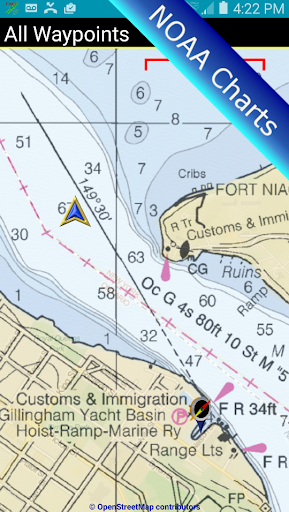
- The app offers detailed map layers, including terrain and satellite views, to improve navigation clarity and situational awareness.
Who This App Is For
This mobile app is especially useful for hikers, travelers, and outdoor enthusiasts who need reliable navigation tools. It appeals to those who prefer offline access and precise location tracking on their Android devices.
Whether exploring new trails or planning trips, users benefit from this app-based solution for accurate route planning and waypoint management, making their outdoor experiences safer and more enjoyable.
Why Choose This App
This Android app stands out for its user-friendly design and comprehensive app features that ensure a smooth navigation experience. Its offline capabilities and real-time GPS tracking solve common outdoor navigation challenges effectively.
Designed with reliability and ease of use in mind, the app offers a trustworthy app experience that helps users stay oriented and save valuable time, making it a top choice among navigation tools for Android devices.
Features
Level 1 (Product Definition):
Accurate GPS navigation for outdoor adventures
Level 2 (Core Strengths):
Reliable offline maps and versatile mapping options
Level 3 (Main Functions):
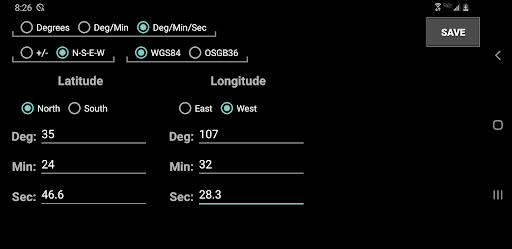
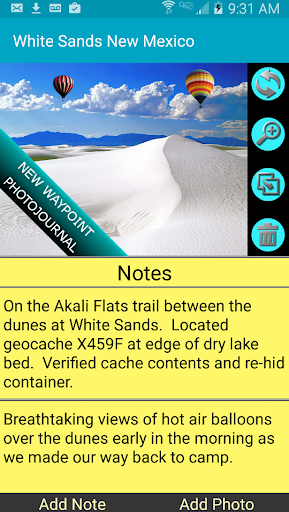
- Create and organize waypoints easily
- View maps from multiple sources
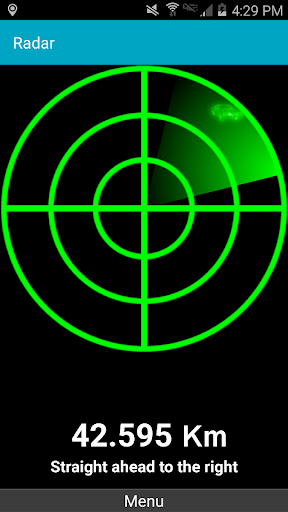
- Plan routes with distance and direction tools
- Share maps and data with others
Level 4 (Feature Extensions):
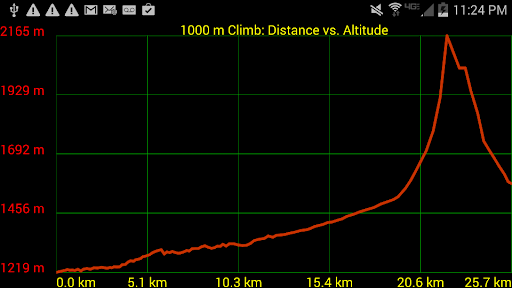
- Use environmental data to enhance planning
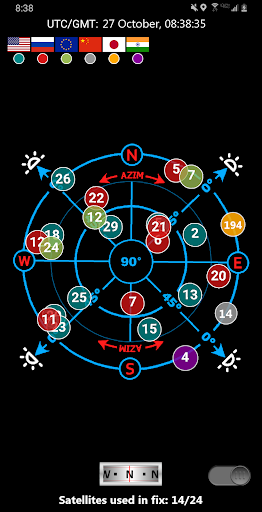
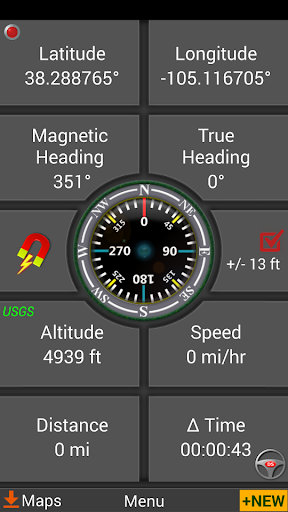
- Switch between magnetic and GPS compasses
More Information
GPS Waypoints Navigator | MAPS is a user-friendly mobile app designed to help you easily mark, store, and navigate to your favorite locations. As an Android app crafted for accurate and reliable navigation, it offers a seamless app experience for outdoor enthusiasts, travelers, and anyone needing precise location management. Its straightforward features make it an essential tool for improving your navigation journey.
👍 Pros
- Intuitive User InterfaceEasy to navigate with clear icons and straightforward menus, suitable for users of all levels.
- Accurate GPS NavigationProvides reliable real-time positioning with precise waypoint guidance.
- Offline Map SupportAllows users to download maps for offline use, ideal for remote areas.
- Customizable Routes and WaypointsEnables users to set and adjust routes easily based on personal preferences.
- Rich Map Layers and Points of InterestIncludes detailed points of interest such as landmarks, restaurants, and gas stations for enhanced navigation.
👎 Cons
- Limited Map Update FrequencyMap data may not be updated frequently, potentially missing recent changes like new roads.
- Occasional App Crashes on Older DevicesSome users report crashes or lagging on devices with low RAM or outdated OS versions, which may be mitigated with updates.
- Battery Consumption is High During Extended UseProlonged navigation sessions can drain device battery quickly; users can reduce energy use by lowering screen brightness or closing background apps.
- Limited Free Features in the Trial VersionSome advanced features are locked behind a subscription paywall, which might limit full experience for casual users.
- Inconsistent Voice Guidance in Noisy EnvironmentsVoice instructions sometimes get drowned out in noisy areas; using headphones can improve clarity temporarily.
Download GPS Waypoints Navigator | MAPS
You are going to be redirected to the official website to finish the download when you click these buttons above.







