ibis Paint
ibis inc.
Preview
Overview
Core Features
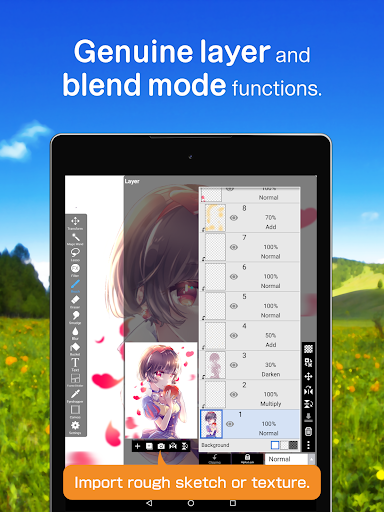
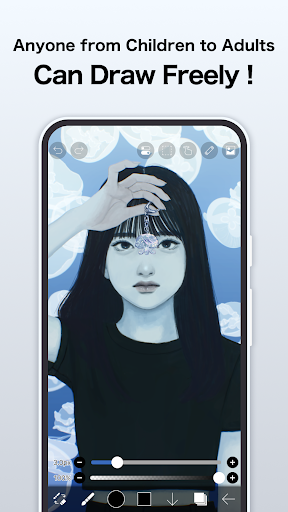
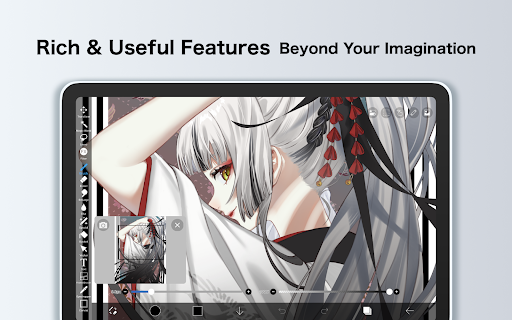
- The app features a powerful layer system that allows artists to create complex compositions effortlessly.
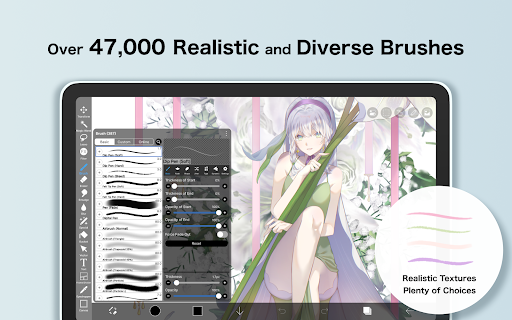
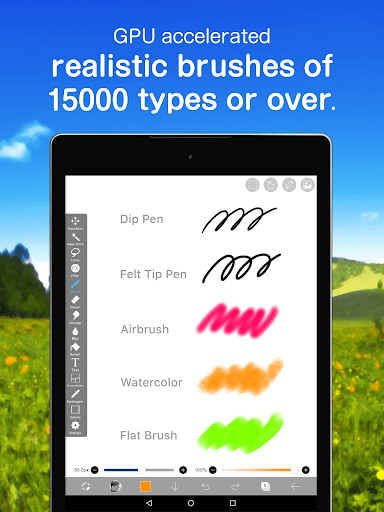
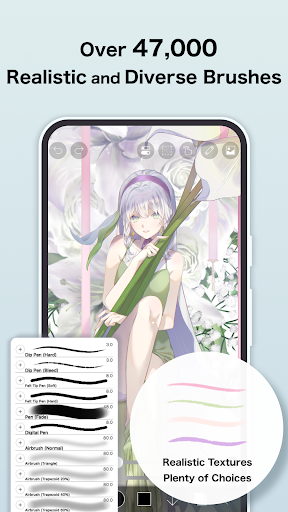
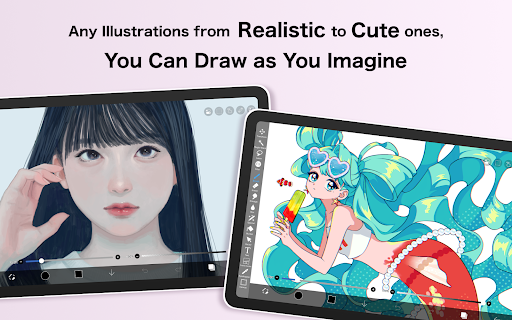
- Rich brush options and customizable tools provide a versatile drawing experience suitable for all skill levels.
- Real-time multi-layer editing and blending modes enhance the app experience for digital artists.
- Support for high-resolution canvases ensures detailed artwork without performance issues on Android devices.
- The app includes a timeline feature for creating animations easily, ideal for both hobbyists and professional animators.
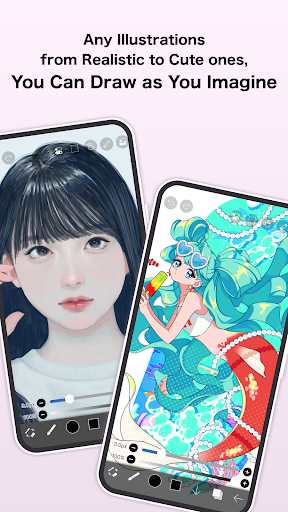
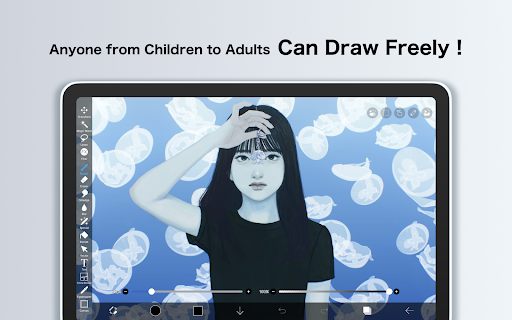
- Intuitive interface designed for mobile app users, making it easier to switch from simple sketches to finished pieces.
- Compatibility with styluses and a variety of brush types make this a comprehensive drawing app for art enthusiasts.
Who This App Is For
This art and design mobile app is perfect for beginners and experienced artists who want a comprehensive drawing tool on their Android device. Its intuitive interface and advanced app features make it popular among young creators and hobbyists.
Whether you're into digital painting, manga art, or animation, this app-based solution offers the tools you need. It's ideal for artists seeking a reliable launcher app that enhances their creative process and improves their app experience on mobile devices.
Why Choose This App
This Android app stands out with its extensive range of app features that cater to different art styles and skill levels. Its user-friendly design ensures a smooth app experience, even for those new to digital art.
By providing a versatile set of tools and reliable performance, this app-based solution helps artists bring their ideas to life without hassle. Its trusted reputation and continuous updates make it a top choice among art enthusiasts seeking a dependable Android app for creative projects.
Features
Creative drawing platform for mobile devices
Extensive toolset for artistic versatility
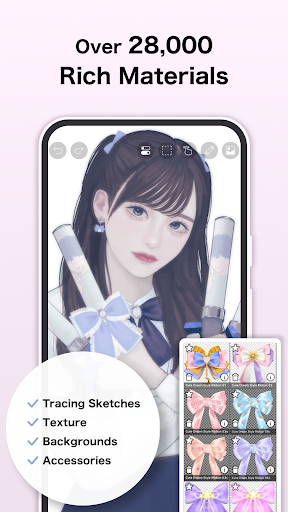
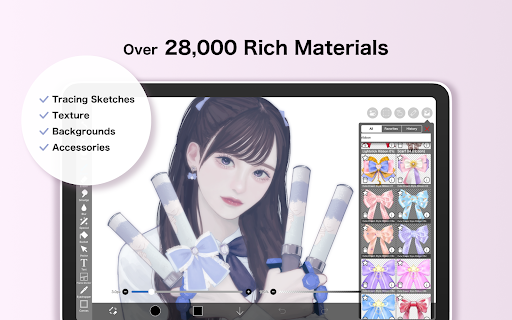
- Access thousands of customizable brushes
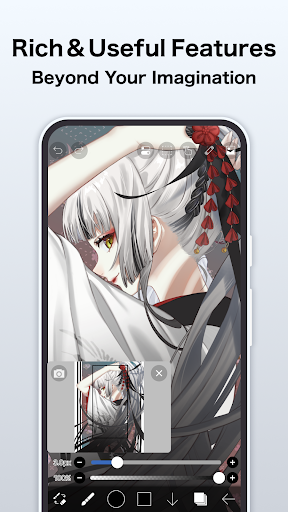
- Manage multiple layers with advanced options
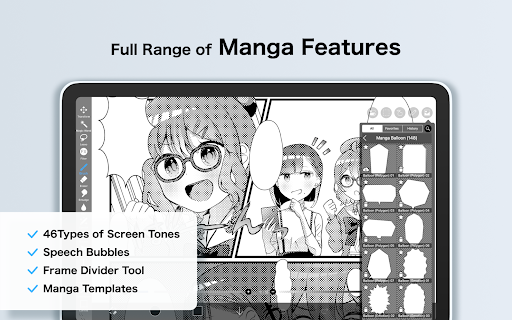
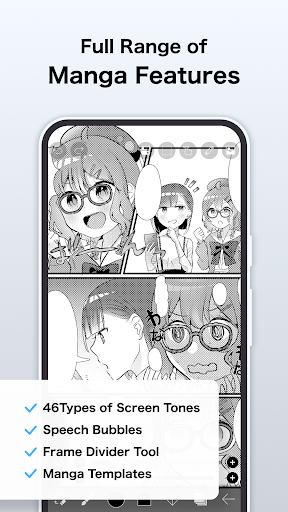
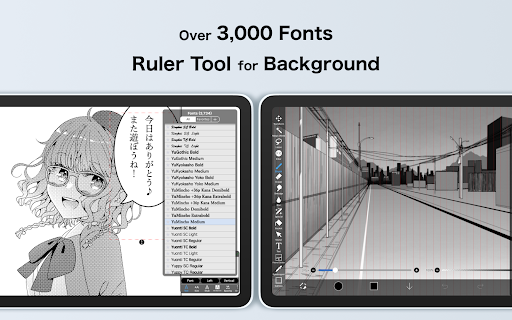
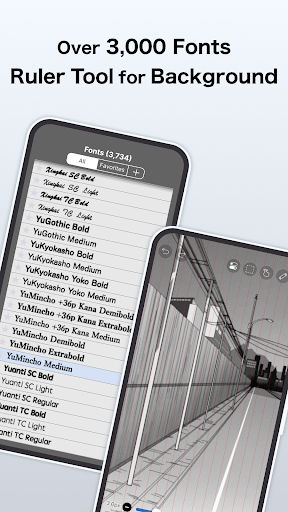
- Use specialized tools for manga creation
- Record your drawing process easily
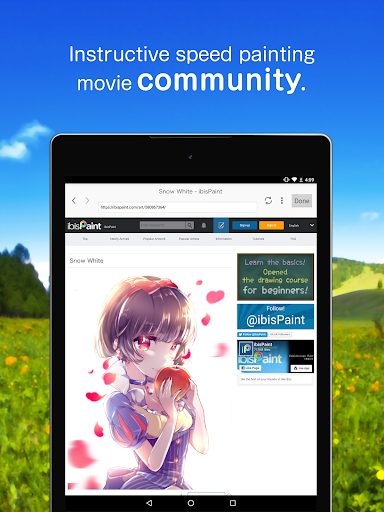
- Share artwork and tutorials with community
- Benefit from seamless, user-friendly interface
- Unlock premium features with subscription plans
- Enhance art with advanced editing tools
More Information
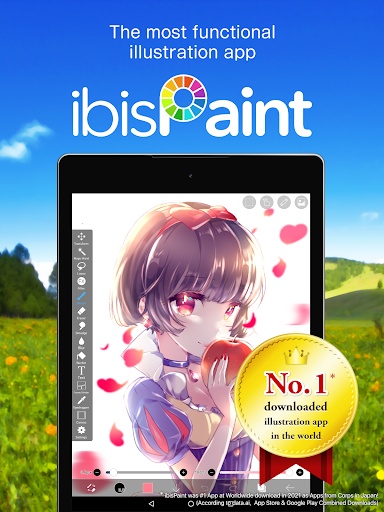
ibis Paint is a popular art & design mobile app designed for digital illustrators and artists who want to create stunning artwork on their devices. Available for both Android and iOS, this app offers a wide range of powerful tools and features that enhance the app experience for users of all skill levels. Whether you're a beginner or a professional, ibis Paint provides an intuitive and user-friendly platform to express your creativity with ease.
👍 Pros
- Intuitive interface and customizable brushesIbis Paint provides a user-friendly layout with extensive brush customization options, enhancing creative flexibility.
- Advanced layer management and blending modesSupports multiple layers and blending options, enabling complex compositions and polished artwork.
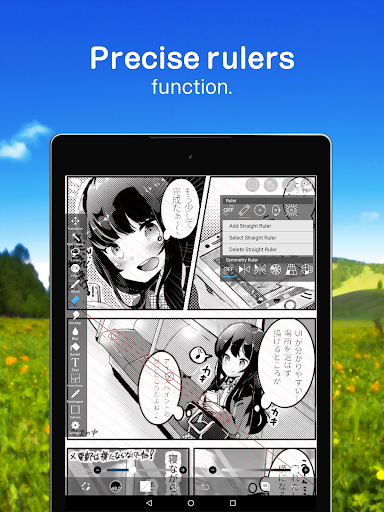
- Rich set of tools for line work and coloringOffers precise pen tools and coloring features, suitable for detailed illustrations and manga creation.
- Animation capabilities for simple frame-by-frame animationsIncludes basic animation tools, allowing users to create short animations within the app.
- Affordable premium features with frequent updatesOne-time purchase option and regular updates ensure access to new tools and improvements without subscriptions.
👎 Cons
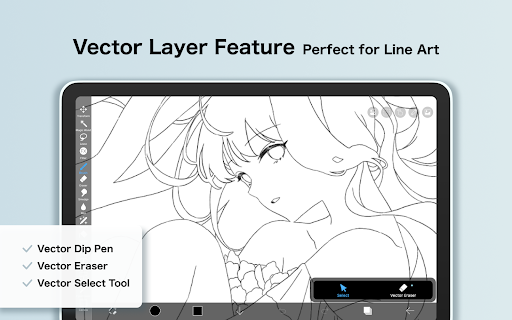
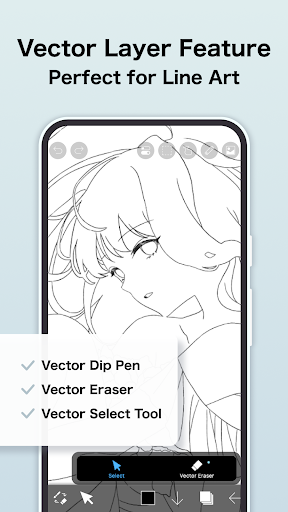
- Limited vector support for scalable graphicsPrimarily raster-based, which can be restrictive for users needing high-quality vector images.
- Performance may lag on lower-end devicesHeavy projects can cause lag or crashes on smartphones with limited RAM or processing power; reducing project size can mitigate this.
- Advanced features may require a learning curveTools like custom brushes and layer effects may take time to master, but official tutorials are available to assist beginners.
- Limited offline resources and community featuresWhile some tutorials are available offline, community sharing is primarily online; offline resources are expected to improve via future updates.
- Export options are mostly standard image formatsLacks native support for certain formats like SVG for vectors, but workarounds include exporting as PNG and converting later.
Download ibis Paint
You are going to be redirected to the official website to finish the download when you click these buttons above.







