
Instapaper
Instant Paper, Inc.
Preview

Overview
Core Features
- Enables seamless offline reading, allowing users to access articles even without an internet connection.
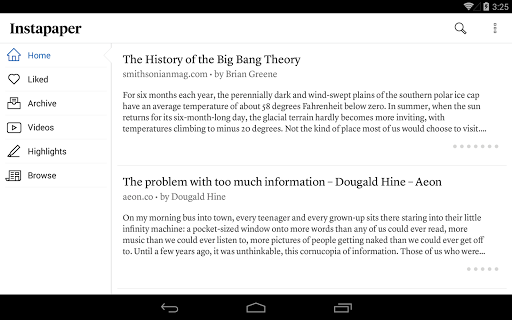
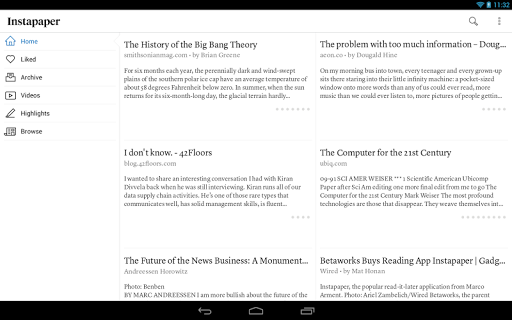
- Offers customizable organization tools such as folders and tags to manage saved content efficiently.
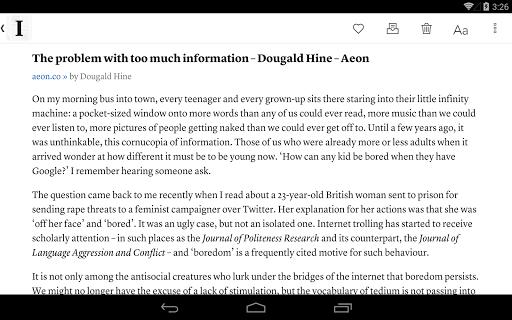
- Includes a clean, ad-free reading interface that enhances user focus and reduces distractions.
- Provides a built-in text-to-speech feature, turning articles into audio for multitasking on the go.
- Supports real-time sync across devices, ensuring your app experience is consistent no matter where you access it.
- Integrates with popular news sources and bookmark services, expanding your app features effortlessly.
- Features a simple setup with a launcher app option for quick access to your favorite news content.
Who This App Is For
This app-based solution is ideal for busy professionals, students, and news enthusiasts who want quick access to articles on their Android device.
People who prefer reading on the go, offline access, and organized content will find this mobile app especially helpful in improving their app experience daily.
Why Choose This App
This Android app stands out by offering a smooth, user-friendly interface combined with robust app features for content management and offline use.
Its focus on delivering a reliable, app-based solution helps users stay informed, organized, and engaged in their reading habits without hassle or distractions.
Features
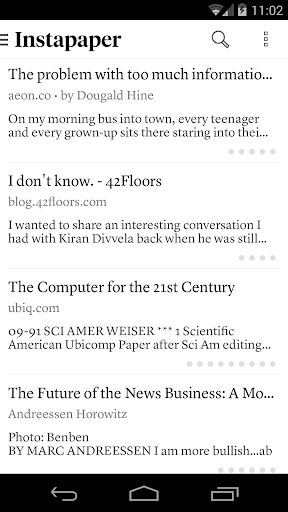
Simplifies content saving for offline reading
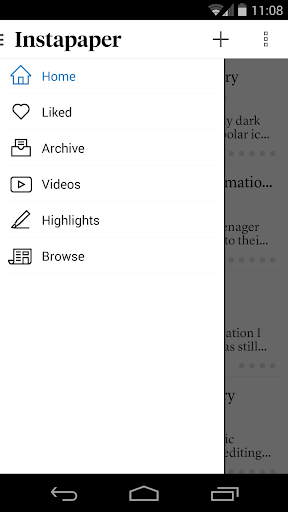
Highlights easy access to your digital library
Saves web pages, articles, and videos efficiently
Provides distraction-free and clutterless reading experience
Enables personalized content organization with tags and folders
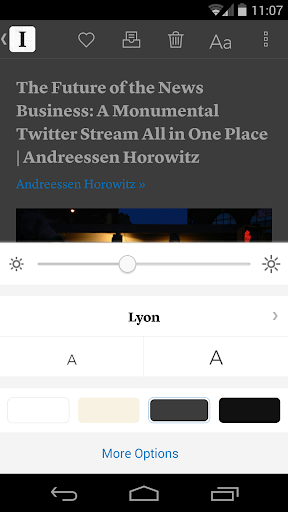
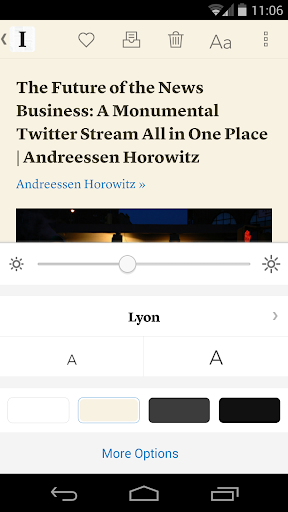
Offers customizable reading settings for comfort
Supports content sharing via multiple apps and platforms
Ensures long-term access with extensive storage options
More Information
Instapaper is a popular news and magazine app that allows users to save articles and web pages for later reading. As a reliable mobile app, it offers a smooth app experience with features such as offline access, text customization, and easy organization of saved content. Its user-friendly interface makes it a trusted choice for those seeking an efficient app-based solution to manage their reading list on various devices.
👍 Pros
- Intuitive Reading InterfaceProvides a clean, clutter-free layout that makes saving and reading articles effortless.
- Offline AccessAllows users to save articles for offline reading, ideal for travel or poor internet conditions.
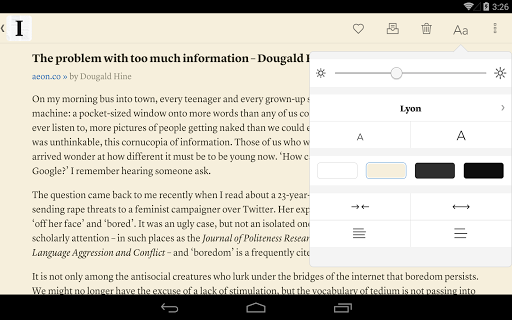
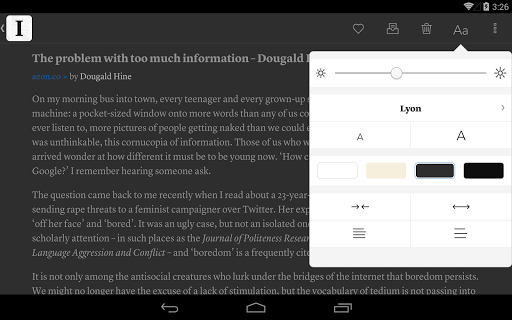
- Text Clarity and CustomizationOffers adjustable font size, style, and background for a comfortable reading experience.
- Clean and Minimalist DesignFocused on content without unnecessary distractions, enhancing readability.
- Integration with Bookmarking ServicesSeamlessly syncs with Instapaper's browser extension and other apps for quick article saving.
👎 Cons
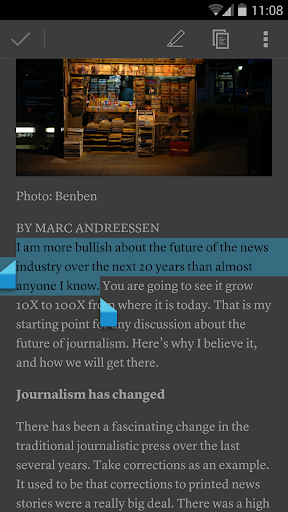
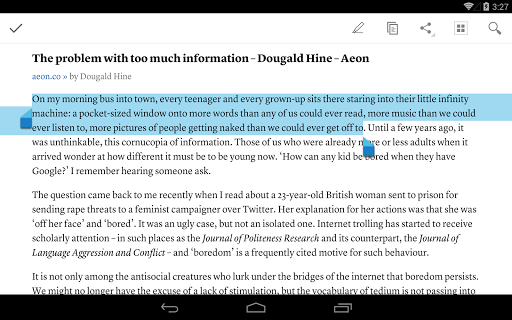
- Limited Annotation FeaturesCurrently offers basic highlighting and notes, but lacks advanced annotation tools like multiple colors or tagging. Workaround: Use external apps for detailed notes; future updates are expected to enhance this feature.
- Premium Subscription CostThe free version has limited features; full access requires a subscription, which may deter casual users. Impact: Some features like unlimited storage are locked behind paywall.
- Slow Synchronization on Some DevicesSyncing articles across devices can sometimes be delayed, especially on older hardware. Workaround: Manual refresh can temporarily mitigate this issue.
- Limited Customization for UI ThemesOnly offers light and dark modes without further personalization. Impact: Might not satisfy users who prefer extensive theme options.
- No Built-in Web BrowserCannot browse articles within the app; users need an external browser. Impact: Slight inconvenience, but can be compensated with sharing extensions or browser integrations.
Download Instapaper
You are going to be redirected to the official website to finish the download when you click these buttons above.







