MiraManager - File Manager
NOVAGE DEV
Preview
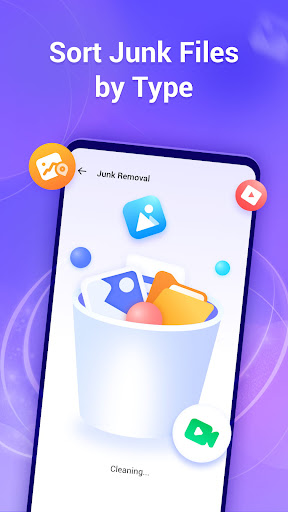
Overview
Core Features
- Intuitive file management with drag-and-drop support for easy organization of documents, photos, and videos.
- Built-in search function helps users quickly locate files across different folders and storage locations.
- Supports cloud integration, enabling seamless access and backup of files from popular cloud services.
- Customizable sorting and filtering options to enhance the app experience and improve productivity.
- Secure file encryption ensures your data remains protected and private at all times.
- Multiple view modes, including list and grid, for easier navigation and better user experience.
- Offine mode lets users access and organize files without an active internet connection, ideal for on-the-go use.
Who This App Is For
This mobile app is perfect for students, professionals, and anyone who needs a reliable file management solution on their Android device.
Whether you're organizing work documents, keeping personal files handy, or seeking an effective app-based solution for daily tasks, this app offers an easy and efficient experience tailored to your needs.
Why Choose This App
This Android app stands out with its user-friendly interface and robust app features that simplify your file organization process.
It provides a trustworthy app experience by combining essential features like cloud support and offline access, making it a top choice among launcher apps and file managers alike.
Features
Layer 1: Simplifies digital file organization
Layer 2: Easy cross-device file access and management
Layer 3:
- Seamless file browsing and categorization
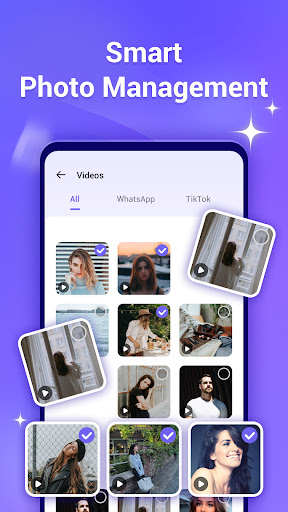
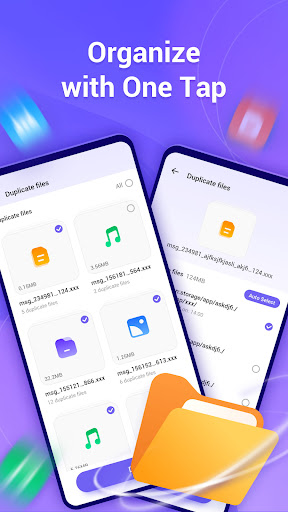
- Duplicate photo detection and removal
- Storage space optimization tools
- Secure cloud synchronization with popular services
Layer 4:
- Privacy protection by removing embedded location data
- Device performance monitoring and insights
More Information
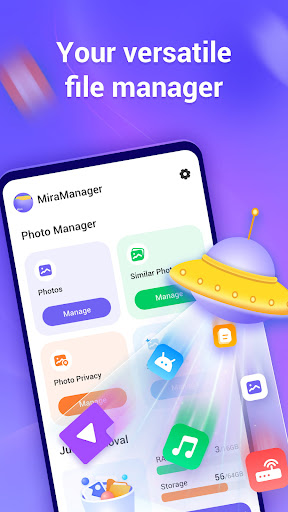
MiraManager - File Manager is a reliable and user-friendly Android app designed to help you organize and manage your files effortlessly. As a productivity-oriented mobile app, it offers a clean interface and essential app features that enhance your app experience. Whether you need to browse, delete, or organize files, this app provides a straightforward, efficient solution for all your file management needs on your Android device.
👍 Pros
- User-Friendly InterfaceIntuitive navigation makes file management quick and easy for all users.
- Fast PerformanceVSMiraManager quickly processes large files, saving users time.
- Multi-File SupportSupports a wide range of file types, including documents, images, and videos.
- Advanced Search FunctionalityPowerful search filters facilitate quick file retrieval.
- Built-in Cloud IntegrationSeamlessly connects with cloud services like Google Drive and Dropbox.
👎 Cons
- Limited Customization OptionsUser interface themes and layout adjustments are limited, but updates are expected soon.
- Occasional App Crashes on Large File OperationsSome users experience crashes during intensive tasks; temporary solutions include restarting the app or reducing simultaneous file processes.
- Lack of Offline Editing FeaturesCurrently, editing files within the app is not supported, but future versions may include this feature.
- Basic Security MeasuresEncryption options are minimal; users should complement with external security tools.
- Limited Customizable Sorting OptionsSorting options are basic; more advanced criteria may be introduced in upcoming updates.
Download MiraManager - File Manager
You are going to be redirected to the official website to finish the download when you click these buttons above.







