
MobileSheets
Zubersoft
Preview
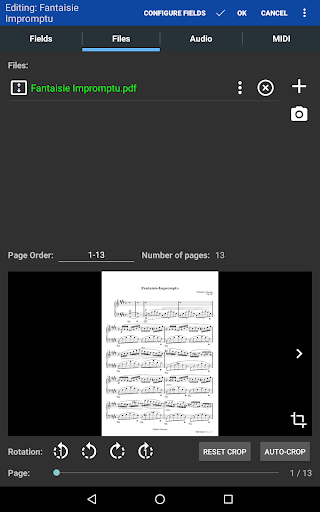
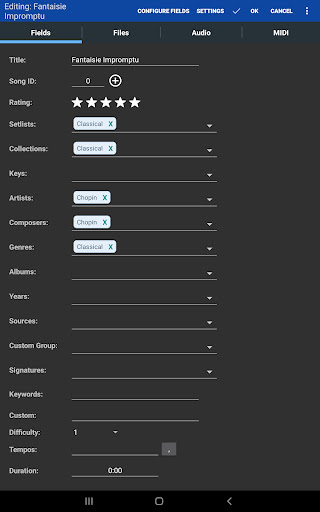
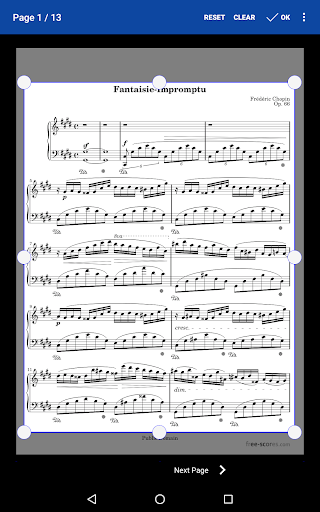
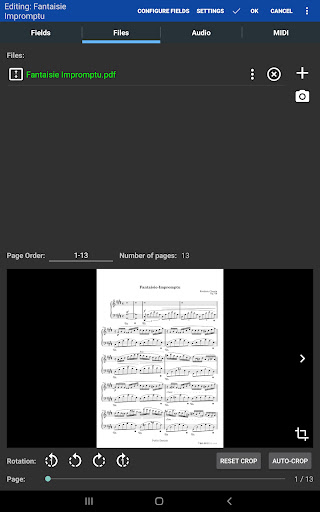
Overview
Core Features
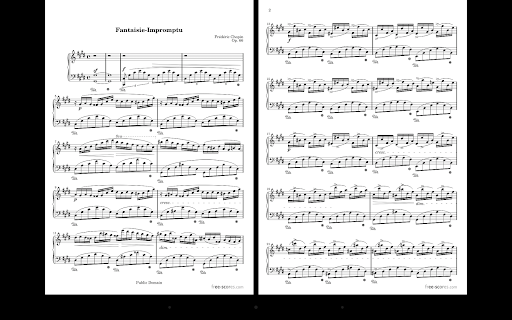
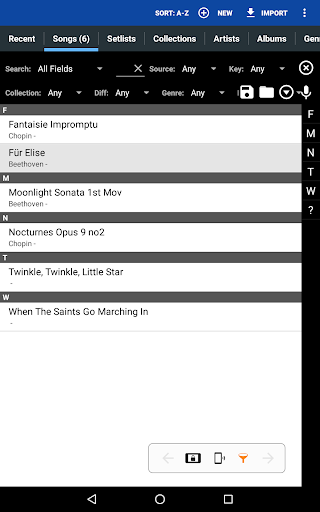
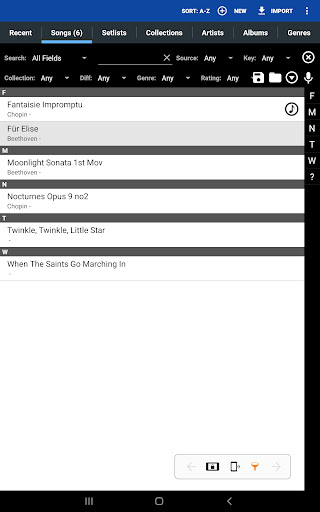
- Comprehensive music sheet management with easy organization and search capabilities for quick access.
- Supports offline mode, allowing users to view and edit music sheets without internet connectivity.
- Real-time sync across devices ensures your collection stays updated regardless of where you access it.
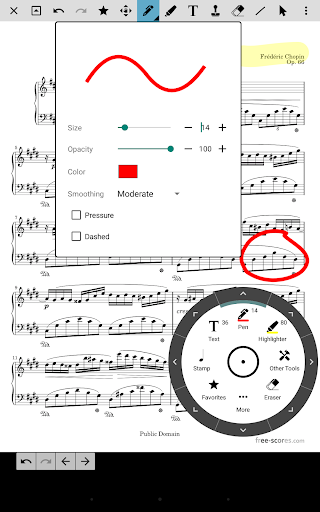
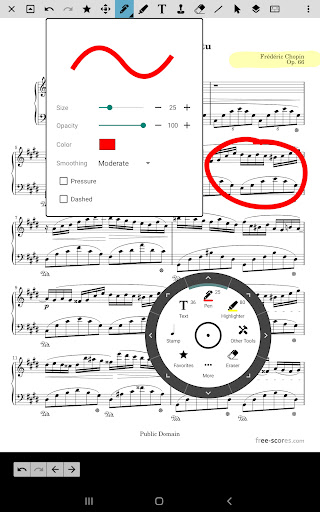
- Customizable annotations and markings enhance practice sessions and performance preparation.
- Intuitive interface and navigation make managing large music libraries straightforward for musicians.
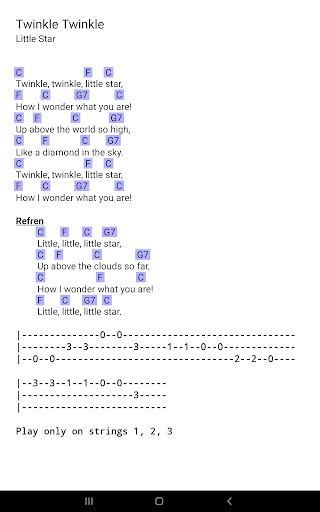
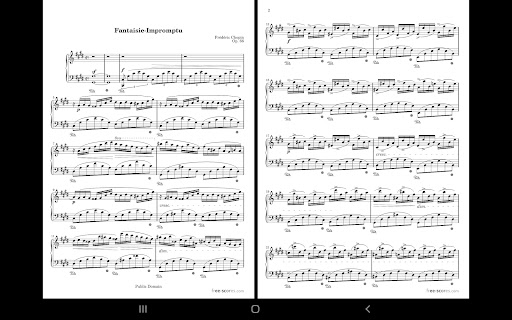
- Compatibility with multiple formats ensures versatile support for various sheet music types.
- Optional launcher app integration simplifies access and quick launching of your music library.
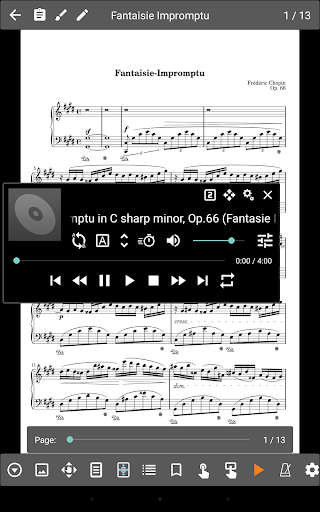
- Built-in metronome and tuner features support practice and performance readiness effectively.
Who This App Is For
This mobile app is ideal for musicians, music teachers, and performers who want to organize and access their sheet music easily. It's designed for users who need a reliable app-based solution for storing and managing music collections efficiently.
Whether you play professionally, teach students, or practice regularly, this app enhances your music experience by offering tools tailored for different scenarios—performing on stage, rehearsing, or composing. It suits anyone seeking a versatile Android app or iOS app for their musical needs.
Why Choose This App
This app provides an excellent app experience through its user-friendly interface and robust app features, making sheet music management effortless. Its app-based solution is highly reliable for musicians who need quick access to their music collection at any time.
What makes it stand out is its seamless synchronization, offline capabilities, and rich annotation tools, setting it apart from other music management apps. This Android app and iOS app combination ensures a consistent experience across devices, making it a top choice for dedicated musicians worldwide.
Features
Discover an Easy-to-Use Digital Music Library
Seamless Access to Your Complete Music Collection
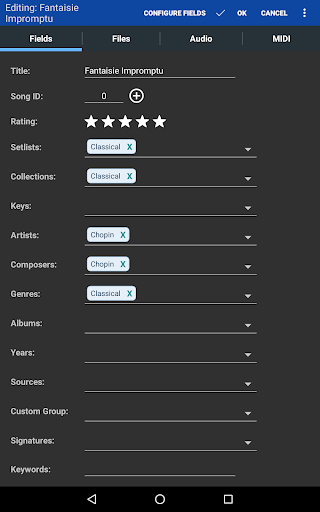
Efficient Music Organization and Performance
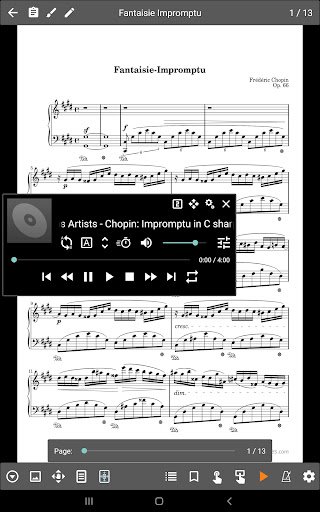
Intuitive Score Management and Playback
Quick Annotation and Customization Tools
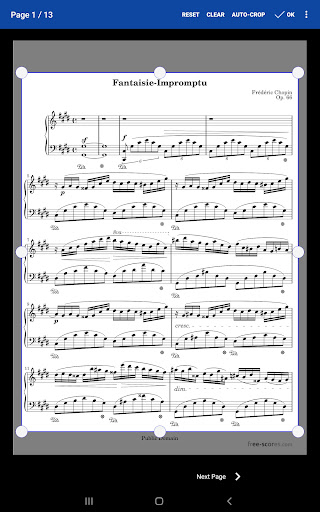
User-Friendly Markup and Layout Adjustment
Built-in Audio and Practice Enhancements
Guided Practice with Looping and Timing Tools
Advanced Navigation and File Control
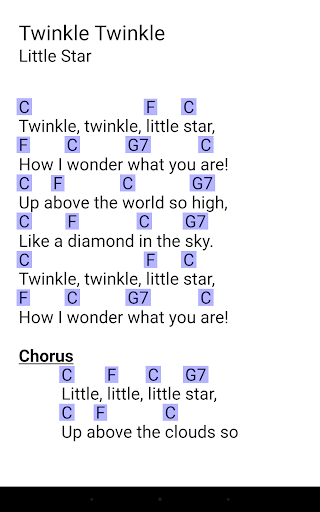
Smart Navigation and Wide Format Support
Robust Connectivity and File Management
Device Integration and Cloud Storage Features
Flexible Transposing and Backup Options
Arrangement Assistance and Data Security
More Information
MobileSheets is a versatile music management mobile app designed for musicians to organize and view their sheet music digitally. Compatible with Android devices, this app provides an intuitive interface that enhances the app experience for performers, offering features such as easy navigation, note annotations, and seamless library management. As a reliable app-based solution, MobileSheets helps musicians access their music collections efficiently and effortlessly from their smartphones or tablets.
👍 Pros
- Intuitive User InterfaceMobileSheets offers a clean, user-friendly design that allows musicians to easily navigate and operate the app.
- Flexible Sheet Music ManagementSupports organizing, importing, and annotating a vast library of sheet music in various formats like PDF.
- Advanced Annotation FeaturesEnables users to mark up sheets directly, highlighting important sections or making notes during practice.
- Reliable Playback and Transposing OptionsProvides smooth playback with adjustable tempo and key transposition for practicing different arrangements.
- Extensive Compatibility and Export OptionsSupports cloud sync and exporting playlists and annotations, facilitating seamless workflow across devices.
👎 Cons
- Limited Free Version FeaturesSome advanced features require a paid upgrade, which might restrict new users; a free trial could help.
- Learning Curve for BeginnersNew users may need time to master all features, but comprehensive tutorials are available to assist.
- Occasional Crashes with Large FilesLarge or complex PDFs may cause on-app crashes; developers are working on optimization updates.
- Lack of Built-in Backup for AnnotationsAnnotations are saved locally; users should regularly backup files manually until an auto-backup feature is added.
- Limited Customization for Display SettingsSome users desire more control over page turn animations and view modes; future updates are expected to enhance customization.
Download MobileSheets
You are going to be redirected to the official website to finish the download when you click these buttons above.







