Music Downloader-Song Download
good music Inc
Preview
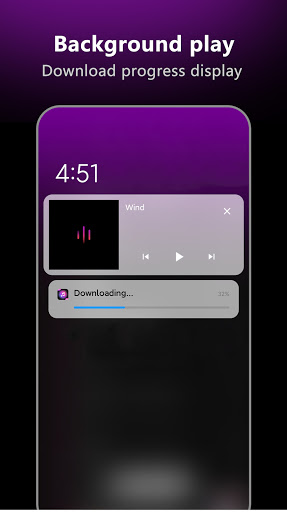
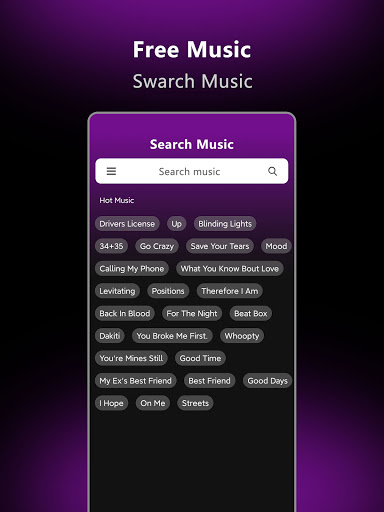
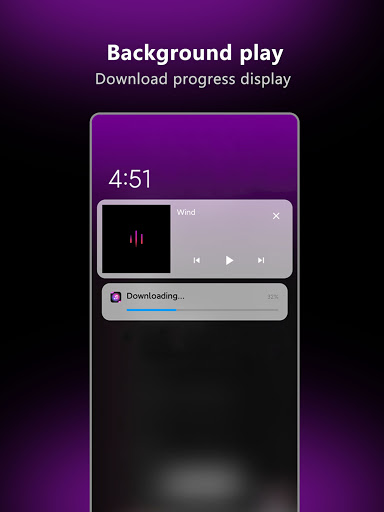
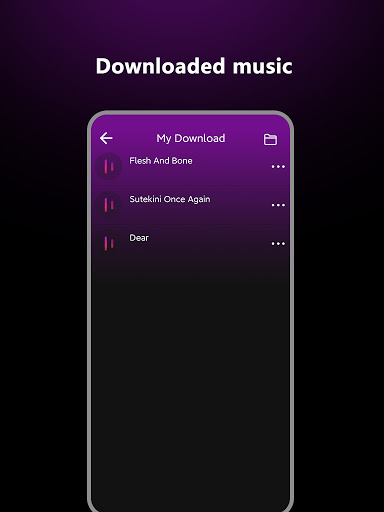
Overview
Core Features
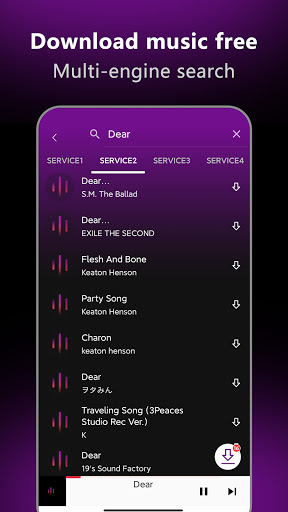
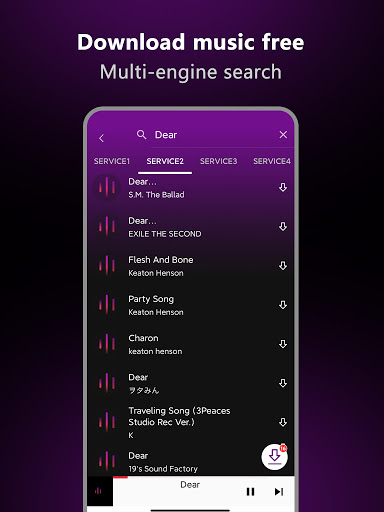
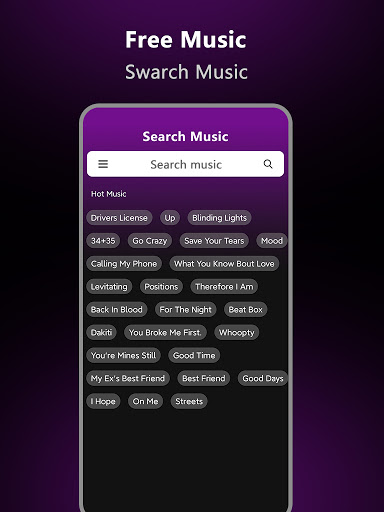
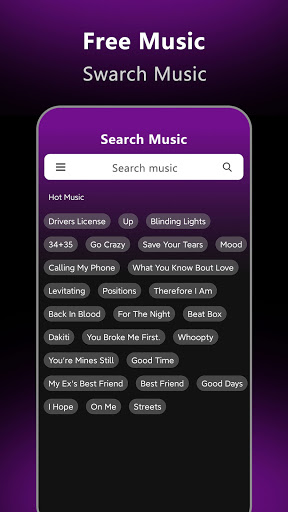
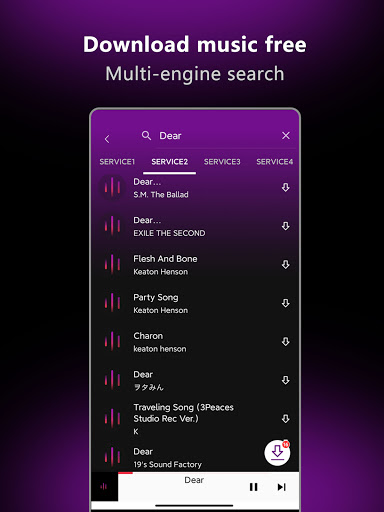
- Search and download any song directly from within the mobile app with a simple keyword or link.
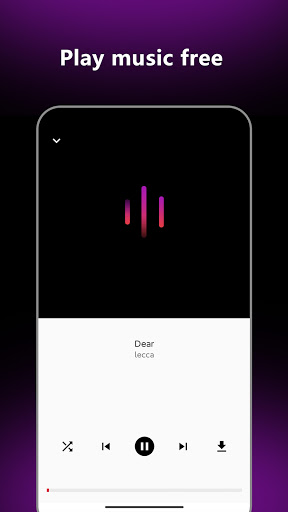
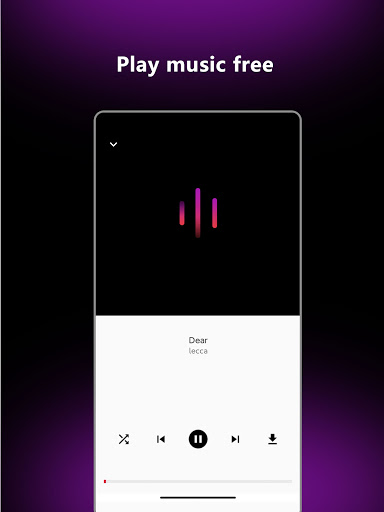
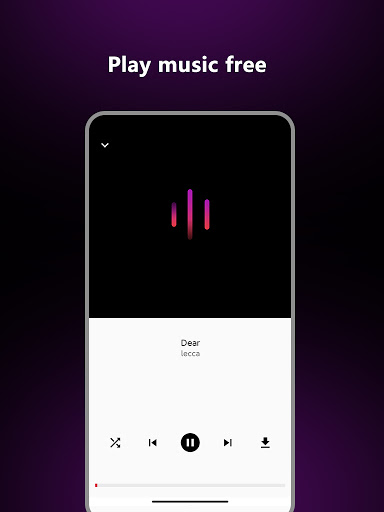
- Built-in music player lets you preview tracks before saving them to your device.
- Batch download multiple songs at once to save time and build playlists fast.
- High-quality audio downloads up to 320 kbps for a crisp listening experience.
- Download entire albums or individual tracks with just a few taps.
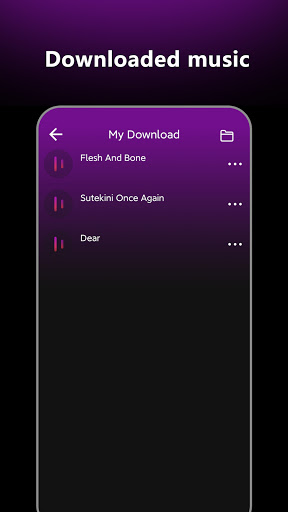
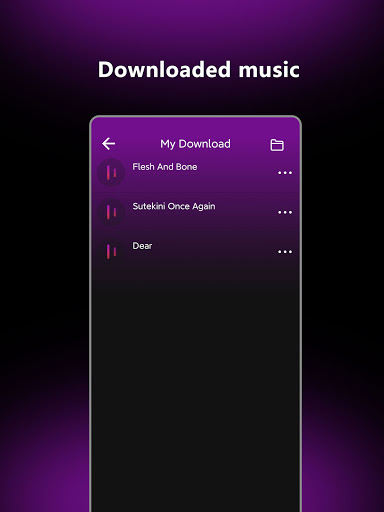
- Offline playback means you can listen to saved songs without an internet connection.
- Lightweight design ensures smooth performance even on older Android devices.
Who This App Is For
This mobile app is built for music lovers ages 16 and up who want a straightforward way to grab songs for offline listening. It suits casual listeners, commuters, and anyone who regularly runs into songs they want to save but doesn't want to pay for a streaming subscription.
Whether you are building a road trip playlist, collecting workout tracks, or need background music for studying, this app-based solution lets you store your favorites locally. The app experience is designed for quick searches and fast downloads, making it handy for users who value speed over extra bells and whistles.
Why Choose This App
Unlike many downloaders that clutter your screen with ads or require registration, this Android app stays simple and focused. You get clean navigation, no hidden fees, and the ability to keep your music library offline without any ongoing cost.
The app features a single-purpose design that gets you exactly what you need — a song file on your phone — without forcing extra tools. It stands out because it respects your time and storage, delivering reliable downloads in a familiar interface that works the way you expect.
Features
Free forever music downloader for personal use
Ad-free browsing with unlimited downloads
Vast library of verified high-quality tracks
Search and download millions of verified tracks
Create custom playlists with smart recommendations
Offline mode for uninterrupted music enjoyment
One-tap ringtone setting from downloaded songs
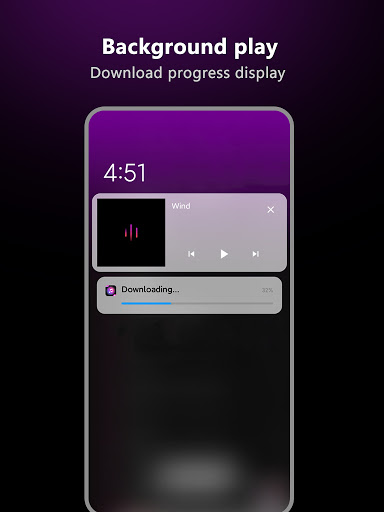
Efficient download manager for play and share
More Information
Music Downloader-Song Download is a straightforward Android app that lets you find and save your favorite music directly to your device. As a practical mobile app, it offers a smooth browsing interface and quick downloads, giving users a reliable way to build an offline music library without complex steps.
👍 Pros
- High-quality audio downloadsSupports 320kbps MP3 and FLAC, preserving sound fidelity for music enthusiasts.
- Multi-source supportPulls tracks from YouTube, SoundCloud, and other platforms, broadening your song library.
- Fast batch downloadingQueues multiple songs at once, saving time when building playlists.
- Built-in search engineLets you find songs directly within the app, with accurate album and artist results.
- Clean and intuitive interfaceNavigation is straightforward even for first-time users, minimizing learning curve.
👎 Cons
- Copyright-restricted songs fail to downloadCertain tracks, like some Drake albums, return errors due to regional licensing. Temporary fix: use a VPN or try alternative sources. Official update expected to add region-agnostic fallbacks.
- Inconsistent download speeds during peak hoursEvening times can see drops to 500 Kbps, stretching a single song to over a minute. Workaround: schedule downloads overnight or use a wired connection.
- Excessive in-app adsBanner and full-screen ads appear after every third download, interrupting workflow. Low impact since ad-free purchase is available for a small fee.
- Occasional incorrect metadata taggingSongs from SoundCloud sometimes get mismatched album art or track numbers. Low impact: manually edit ID3 tags with a built-in editor (coming in next version).
- No support for lossless Apple formatsUsers cannot download ALAC files, limiting audiophile use on iOS devices. Medium impact; official roadmap hints at adding ALAC support within 3 months.
Download Music Downloader-Song Download
You are going to be redirected to the official website to finish the download when you click these buttons above.