PDF Reader – Reader & Editor
Ora Tools
Preview
Overview
Core Features
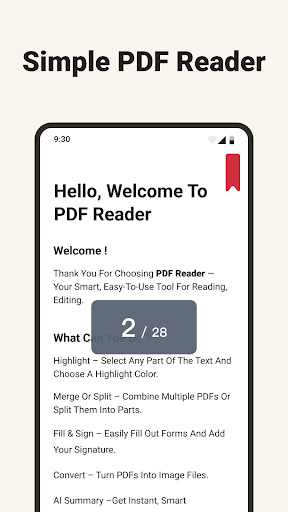
- The app features a comprehensive PDF viewer with zoom, search, and multi-tab support for easy navigation.
- Build-in editing tools allow users to annotate, highlight, and add comments directly within PDF documents.
- Supports offline mode, so users can access and modify files without an internet connection.
- The app includes file management features, enabling seamless organization and sharing of PDFs across devices.
- Real-time sync ensures edits and annotations are updated instantly across all platforms.
- It functions as a launcher app for easy access to PDF files directly from your device's home screen.
Who This App Is For
This mobile app is ideal for students, professionals, and anyone who deals with PDFs regularly and needs a reliable app experience. It's perfect for users looking for an efficient app-based solution for document management and editing.
Whether you need to review reports on the go or annotate course materials in offline mode, this Android app caters to users who value simplicity and functionality in their workflow. It fits well with busy schedules requiring quick access and efficient document handling.
Why Choose This App
This app offers a straightforward, feature-rich experience that surpasses many other PDF readers with its user-friendly interface and robust app features. It provides a trusted app-based solution that makes managing PDFs effortless on your Android device.
What makes it stand out is its combination of core features like offline access and real-time sync, paired with the confidence that comes from a trusted developer, ensuring a smooth and secure app experience tailored for everyday use.
Features
Simplifies document management for all users
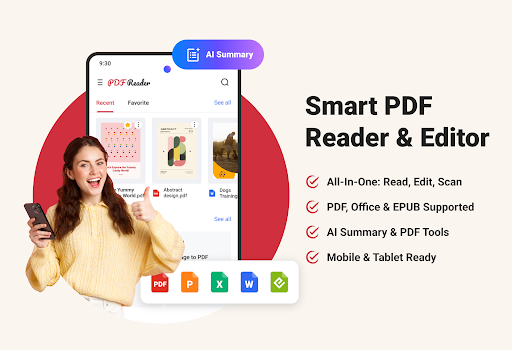
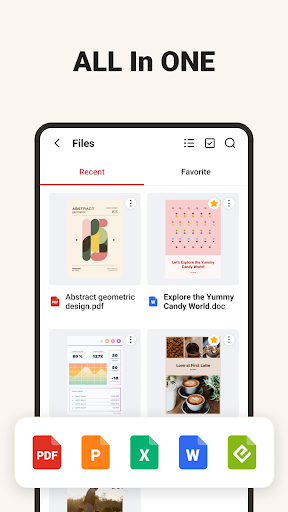
Versatile format support for every file type
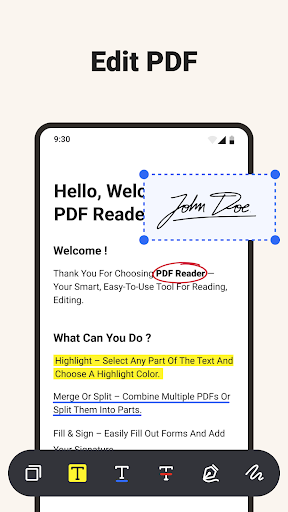
Seamless editing and annotation tools
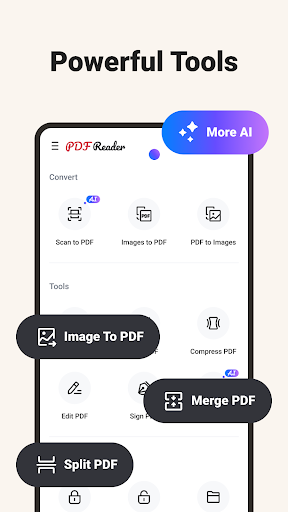
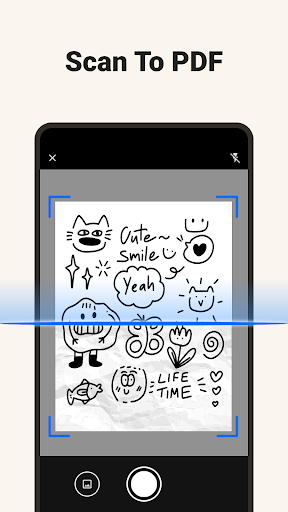
Instantly scan and convert to PDF
High-quality image and page conversions
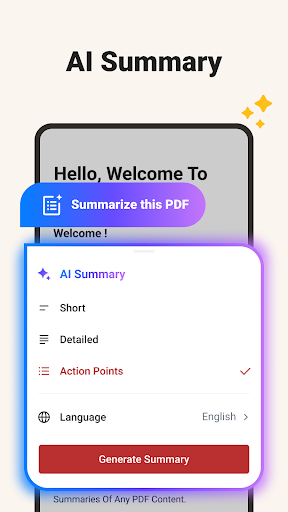
AI summaries for quick insights
Organized file management system
Mobile-optimized for easy access
More Information
PDF Reader – Reader & Editor is a versatile mobile app designed to help users view, edit, and manage PDF documents effortlessly. With its intuitive interface, this Android app offers a smooth app experience, making it easy for you to handle important files on your device. Whether you need quick edits or detailed document management, this app provides reliable app features suitable for both personal and professional use.
👍 Pros
- Intuitive User InterfaceThe app offers a clean and easy-to-navigate layout, enhancing user experience for both beginners and advanced users.
- Robust Annotation ToolsIt provides a variety of annotation features like highlighting, underlining, and adding comments, facilitating detailed document review.
- Fast PDF RenderingThe app loads and displays PDFs quickly, even for large files, ensuring minimal waiting times.
- Cross-Platform CompatibilityAvailable on multiple devices and systems, allowing seamless access and editing across smartphones, tablets, and desktops.
- Cloud Sync and StorageSupports synchronization with popular cloud services, enabling easy document management and backup.
👎 Cons
- Limited Advance Editing FeaturesWhile basic editing is supported, advanced editing options like OCR or document restructuring are lacking, which could be a limitation for power users.
- Occasional Crashes with Large FilesSome users report that very large or complex PDFs cause the app to crash, but updates aim to improve stability.
- Watermark in Free VersionThe free version adds watermarks to edited PDFs, but users can upgrade for a watermark-free experience.
- Limited Offline FunctionalityCertain features like cloud sync require an internet connection, which might inconvenience users in offline scenarios.
- Basic Search FunctionalityThe search feature is functional but could be enhanced with more advanced options like phrase searches or filtering, which may be added in future updates.
Download PDF Reader – Reader & Editor
You are going to be redirected to the official website to finish the download when you click these buttons above.







