Penly: Digital Planner & Notes
Penly
Preview
Overview
Core Features
- The app features a clean and intuitive interface that makes organizing notes and tasks effortless.
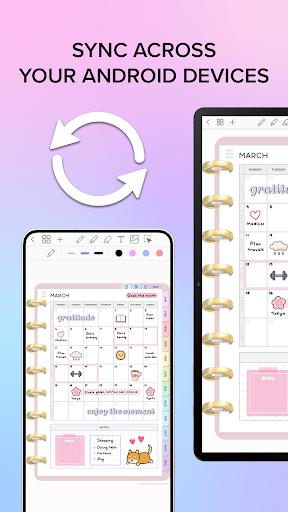
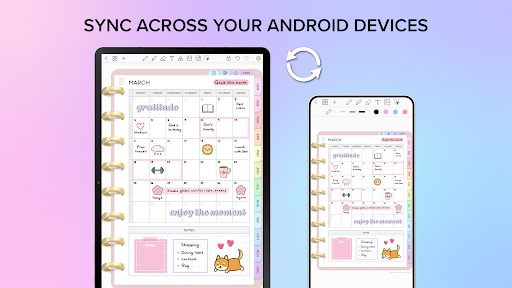
- It offers real-time sync across devices, ensuring your notes are always up-to-date regardless of where you use the app.
- With offline mode support, users can access and edit their notes without an internet connection, enhancing usability.
- This mobile app includes customizable reminders and alerts to help boost productivity and stay on track.
- The app features an integrated search function that quickly finds notes and information within your workspace.
- It provides seamless cross-platform compatibility, making it a reliable app-based solution for Android users.
- Advanced security settings ensure your notes and personal data remain protected at all times.
- With a variety of themes and layout options, users can personalize their app experience to suit their style.
Who This App Is For
This digital planner and notes app is ideal for students, professionals, and anyone seeking a reliable productivity tool on their Android device. It's perfect for users who want an easy-to-use app that enhances organization and task management.
Whether you're managing daily schedules, taking notes on the go, or planning big projects, this app-based solution offers a flexible and efficient way to stay organized, making it suitable for a wide age range and various lifestyles.
Why Choose This App
This Android app provides a smooth and user-friendly app experience, combining powerful app features with simplicity. It stands out by offering real-time synchronization and robust security, addressing common user needs in a trusted and efficient way.
Choosing this app means opting for a reliable, feature-rich solution that helps users boost productivity and stay organized. Its intuitive design and thoughtful functionality make it a top choice among productivity apps in the Android app market.
Features
Simplifies digital planning and note-taking for users
Intuitive interface enhances productivity and creativity
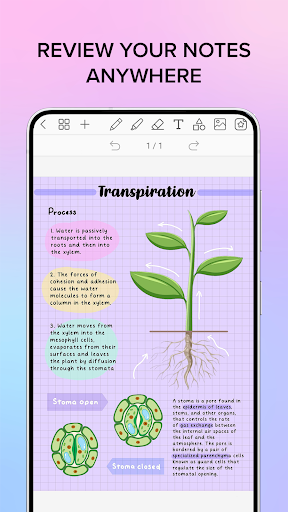
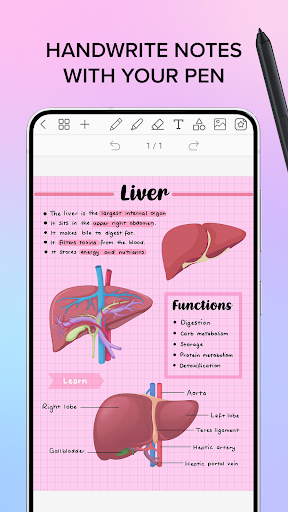
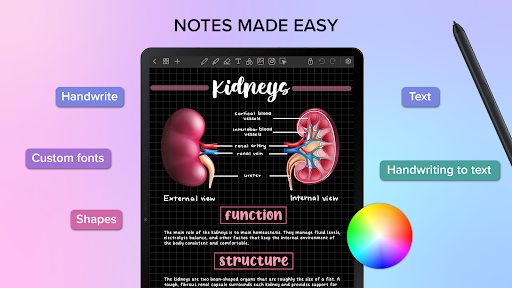
Versatile tools for writing, drawing, and organizing notes
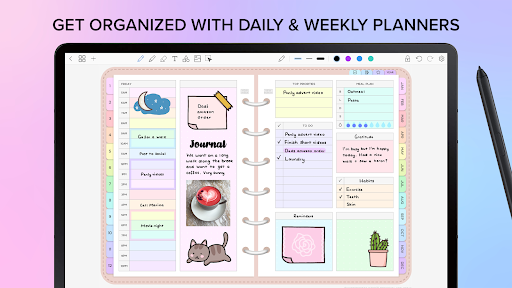
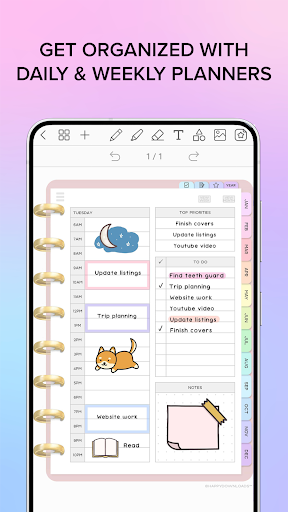
Customizable planners and visual elements for personalization
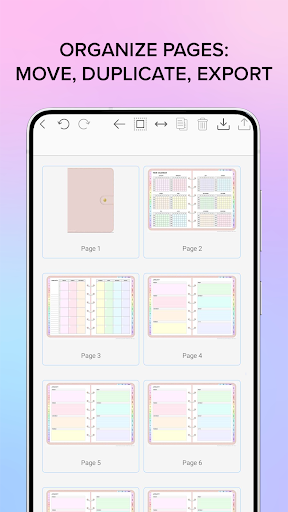
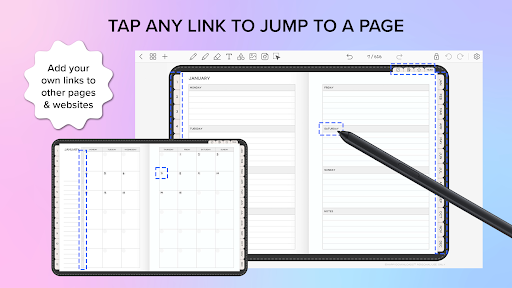
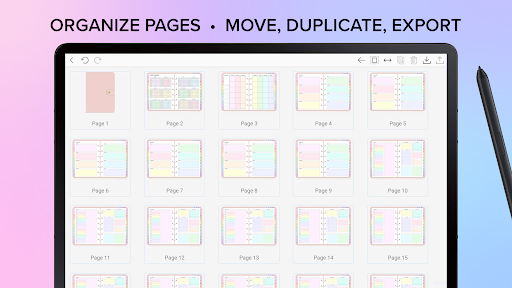
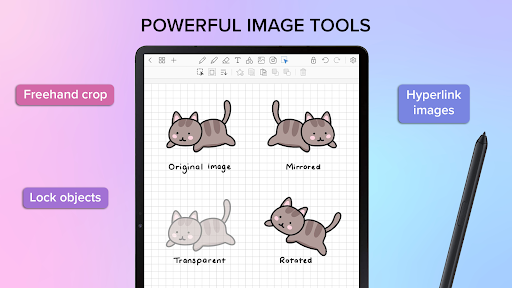
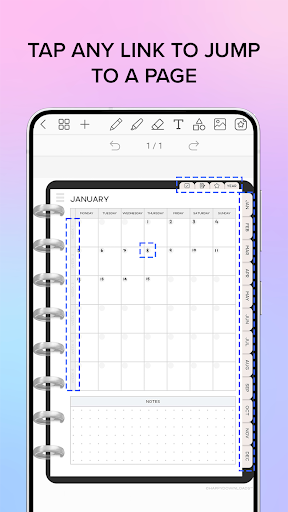
Seamless import, export, and hyperlink features for efficiency
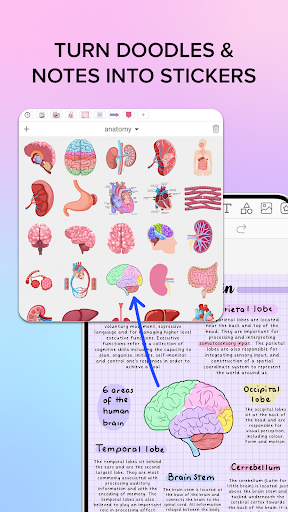
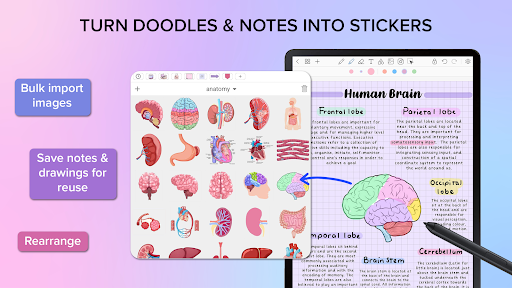
Management options for stickers, images, and collections
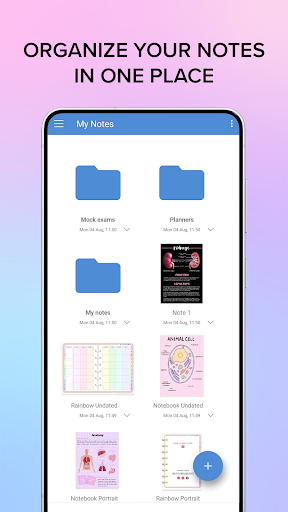
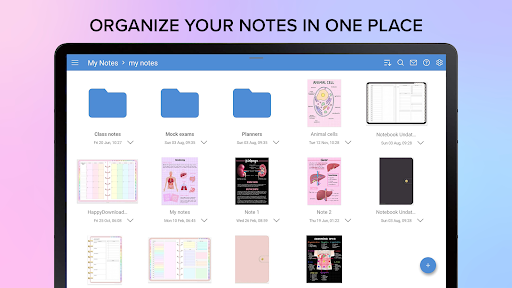
Organized file system for easy document navigation
Syncs effortlessly across devices for continuous access
More Information
Penly: Digital Planner & Notes is a versatile mobile app designed to help users stay organized with their notes, tasks, and schedules. As an intuitive Android app, it offers a seamless app experience through its user-friendly interface and robust app features tailored for productivity enthusiasts. This app-based solution provides an efficient way to manage daily plans and keep track of important information effortlessly.
👍 Pros
- Intuitive User InterfacePenly offers a clean and user-friendly layout that makes navigation seamless for both beginners and experienced users.
- Robust Customization OptionsThe app allows extensive customization of themes, layouts, and note formats to suit individual preferences.
- Powerful Organizational FeaturesWith tags, folders, and search capabilities, managing notes and plans is highly efficient.
- Cross-Platform SynchronizationPenly syncs smoothly across devices, ensuring seamless access whether on tablets, phones, or desktops.
- Rich Multimedia SupportUsers can embed images, audio, and rich text, enhancing the versatility of notes and planning.
👎 Cons
- Limited Export OptionsCurrently, exporting notes is restricted to PDF and plain text formats; additional options like Markdown could be added in future updates.
- Occasional Sync DelaysSome users report delayed synchronization across devices; ensuring a stable internet connection may help mitigate this issue temporarily.
- Learning Curve for Advanced FeaturesWhile basic functions are straightforward, mastering advanced features may require some time; official tutorials or videos could improve user onboarding.
- Limited Free StorageFree users have restricted storage capacity; upgrading to premium enhances storage but may be a cost consideration for some.
- No Offline Editing ModeOffline access is limited; users can work offline with some features but full functionality requires an internet connection, which may be inconvenient.
Download Penly: Digital Planner & Notes
You are going to be redirected to the official website to finish the download when you click these buttons above.







