
PhotoPills
PhotoPills, SL
Preview


Overview
Core Features
- The app features an intuitive interface that simplifies planning and visualizing photography shots.
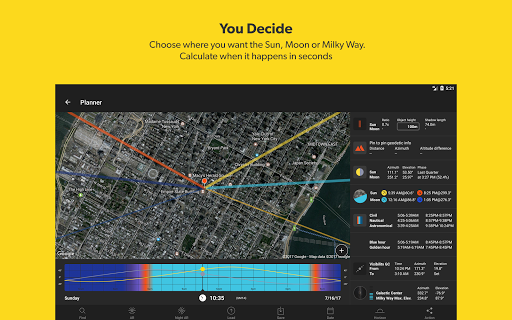
- Advanced tools for calculating the best times for sunrise, sunset, and blue hour enhance the app experience.
- Real-time data synchronization ensures users access up-to-date information across devices without hassle.
- Offline mode allows photographers to plan shots without relying on internet connectivity, making it a reliable app-based solution.
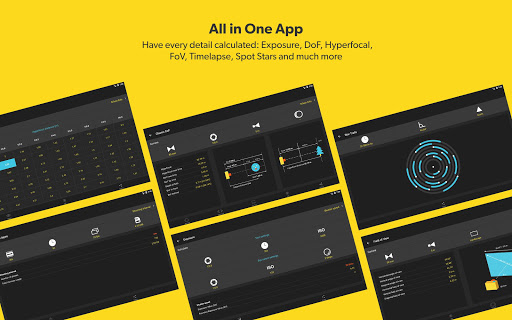
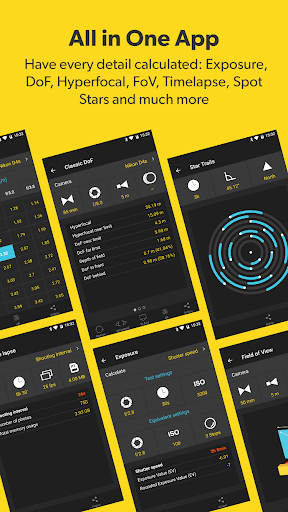
- Comprehensive camera planning features help users set focus, exposure, and composition for perfect shots every time.
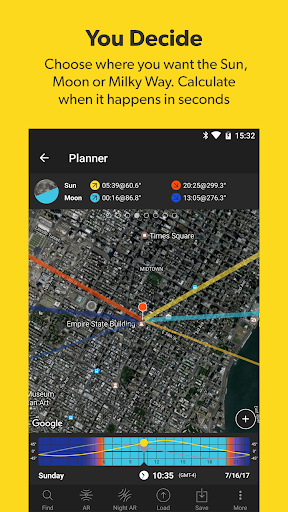
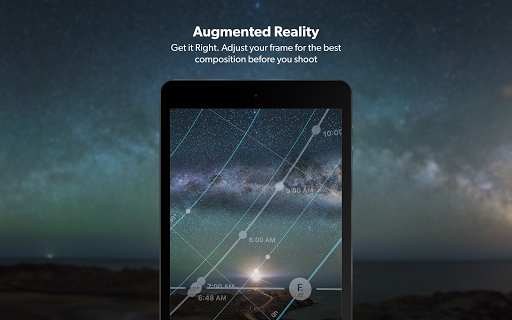
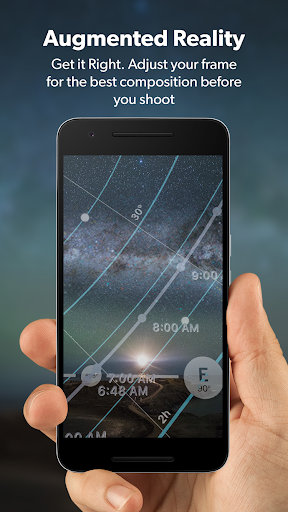
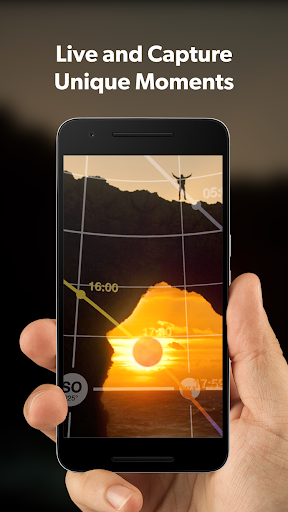
- The app includes a detailed map and augmented reality tools to visualize scenes before capturing images.
- User-friendly navigation and customizable settings improve overall app experience for both amateurs and professionals.
Who This App Is For
This mobile app is ideal for photography enthusiasts, from beginners to experienced professionals, who want an easy-to-use app experience. Its features suit users aged 15 and above who take photography seriously and seek reliable planning tools.
Photographers planning adventurous outdoor shoots or capturing precise lighting conditions benefit from this app-based solution. Whether for landscape, astrophotography, or urban shots, it helps users prepare effectively and achieve stunning results in real-world scenarios.
Why Choose This App
This Android app offers powerful app features designed to enhance your photography planning process, making it a trusted tool for both hobbyists and experts alike. Its comprehensive tools and offline capabilities set it apart from other options.
With its focus on delivering accurate timing, scene visualization, and a seamless app experience, PhotoPills provides a reliable and innovative app-based solution that helps users capture the perfect shot every time.
Features
Effortless celestial scene planning for inspiring photos
Instant celestial alignment notifications for timely shoots
Immersive real-world visualization of astronomical events
Organized shoot scheduling for seamless photo projects
Custom location database for easy spot discovery
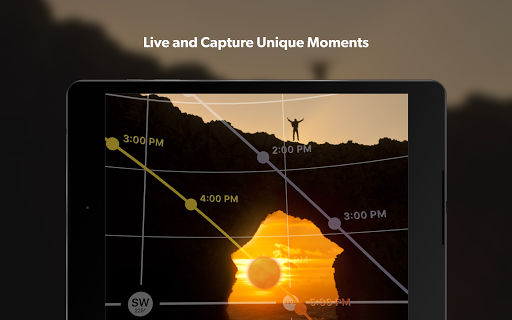
Precise timing tools for ideal natural lighting moments
Advanced camera calculators for creative effects
Quick access widgets for live celestial updates
More Information
PhotoPills is a comprehensive photography app that serves as a powerful tool for both amateur and professional photographers. Designed as an intuitive mobile app, it offers detailed planning features for capturing perfect shots, including sun, moon, and Milky Way tracking. With its easy-to-use interface and rich app features, PhotoPills enhances the overall app experience, making it an essential app-based solution for outdoor photography planning on Android devices and iPhones alike.
👍 Pros
- Comprehensive planning toolsPhotoPills offers detailed tools for planning photography sessions, including sun, moon, and Milky Way tracking.
- User-friendly interfaceThe app features an intuitive design that facilitates easy navigation even for beginners.
- Accurate celestial dataProvides highly precise information on sun, moon, and star positions, ensuring reliable planning.
- Augmented reality featuresAR tools help visualize compositions and light positions on location.
- Customizable calendar and notificationsAllows users to set reminders for optimal shooting times, enhancing planning efficiency.
👎 Cons
- Occasional data lagReal-time celestial data may sometimes experience delays, but offline mode offers a fallback solution.
- Complex for some beginnersNew users might find the extensive features overwhelming, though tutorials are available online.
- Premium features require subscriptionCertain advanced tools are behind a paywall, but basic functions remain free.
- Limited cloud synchronizationSyncing data across devices could be improved; currently, manual export/import is needed.
- AR feature stability issues on older devicesAR functionalities may run less smoothly on outdated hardware, but updates are planned for optimization.
Download PhotoPills
You are going to be redirected to the official website to finish the download when you click these buttons above.







