
QuickEdit Text Editor Pro
Rhythm Software
Preview
Overview
Core Features
- The app features a clean, user-friendly interface that makes editing text a seamless experience on mobile devices.
- Includes advanced formatting options like rich text editing, bullet points, and numbered lists for professional documents.
- Offers real-time sync across devices, ensuring your work is always up-to-date and accessible anytime, anywhere.
- Supports offline mode, allowing users to edit and save documents without an internet connection.
- Provides robust file management with easy import/export options compatible with cloud storage services.
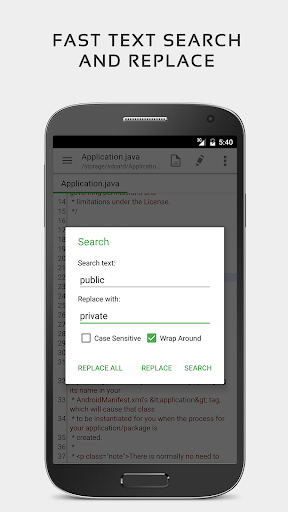
- Built-in search and replace functions make editing large documents quick and efficient.
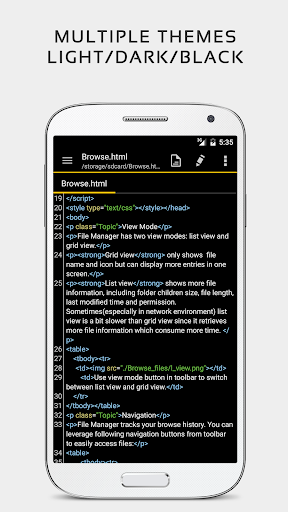
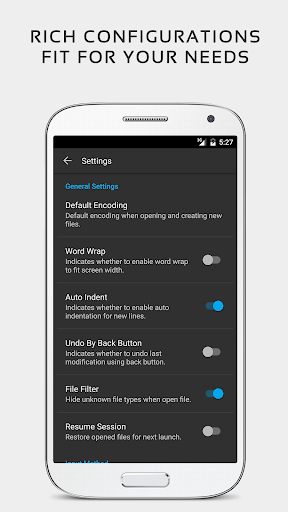
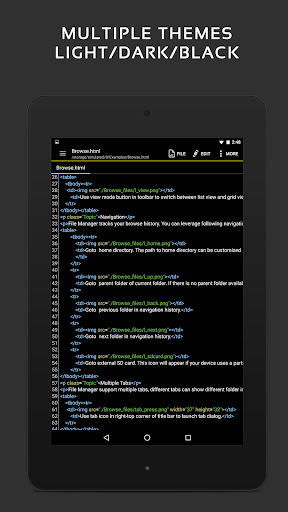
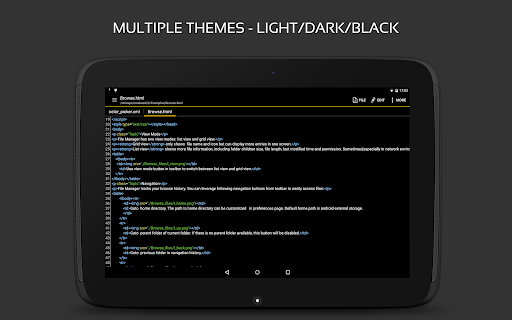
- Offers customizable themes and font options to personalize the app experience according to user preferences.
Who This App Is For
This mobile app is ideal for students, writers, and professionals who need a reliable text editor on their Android devices.
Whether you're drafting reports, taking notes, or editing code, this app provides an efficient app-based solution for everyday writing tasks and content creation.
Why Choose This App
This Android app stands out with its intuitive interface and comprehensive app features designed for both casual and power users.
It solves common editing problems by offering offline access, real-time synchronization, and versatile formatting, making it a top choice among launcher apps and mobile editors alike.
Features
Streamlined editing experience for mobile users
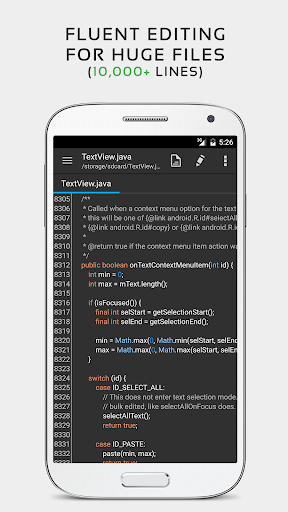
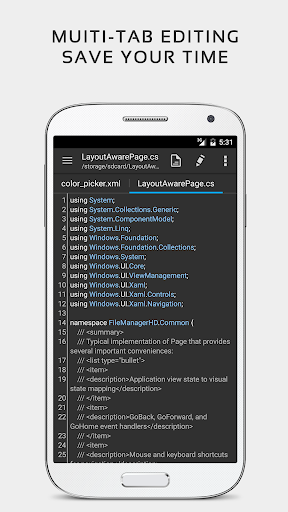
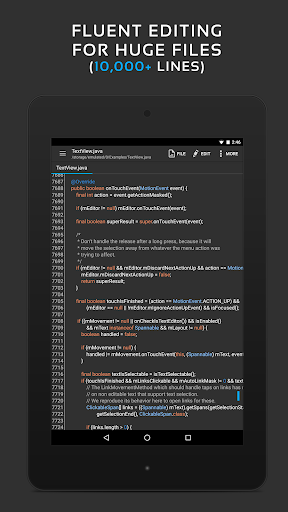
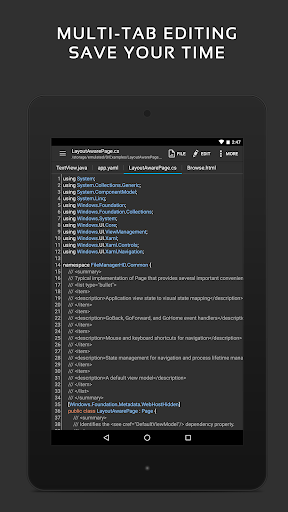
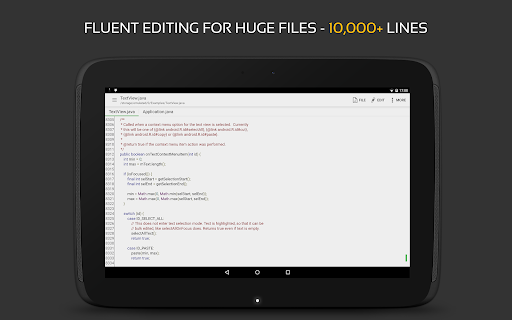
Fast performance with large files and multitasking
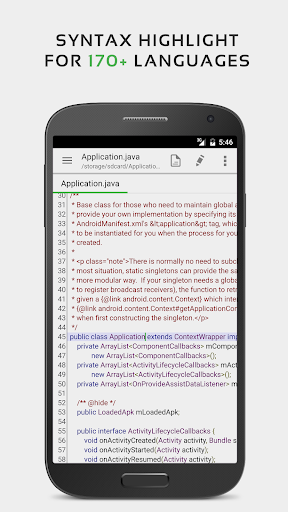
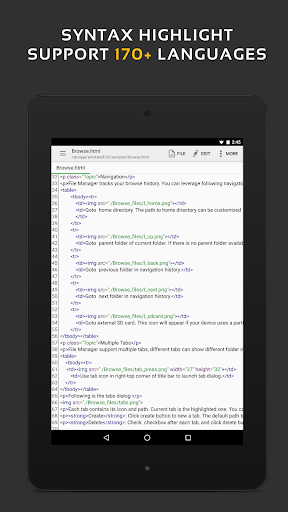
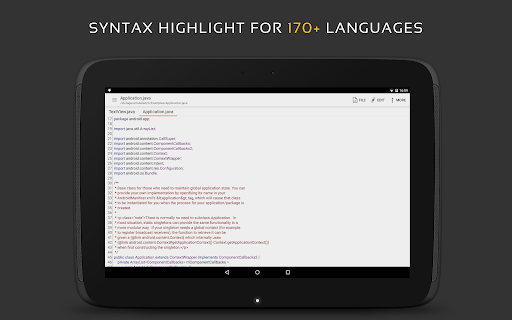
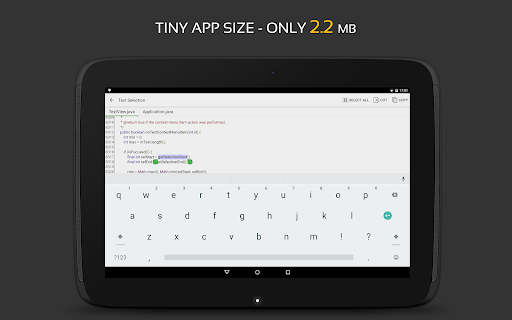
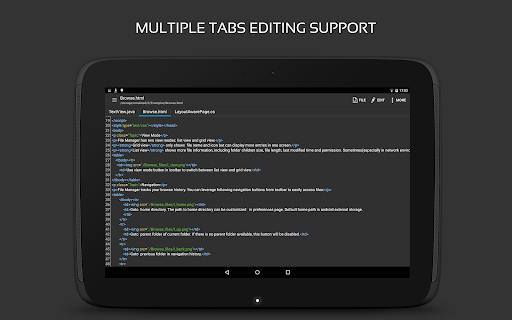
Syntax highlighting for multiple programming languages
Seamless cloud and file management integration
Customizable themes and user interface options
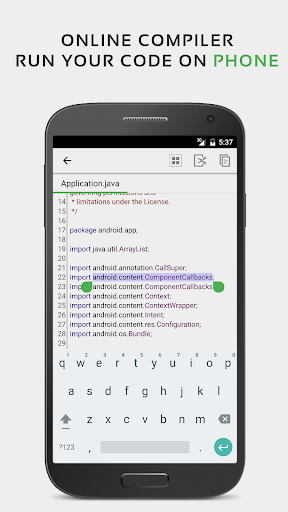
Built-in code compiler for immediate testing
Advanced search and navigation tools
Support for web preview and markup editing
More Information
QuickEdit Text Editor Pro is a versatile productivity mobile app designed for seamless text editing on Android devices. It offers a user-friendly interface and a range of powerful app features that help users create, edit, and organize documents efficiently. As an Android app, it provides an intuitive app experience tailored for both casual users and professionals seeking a reliable app-based solution for their editing needs.
👍 Pros
- Intuitive User InterfaceQuickEdit offers a clean and user-friendly layout, making navigation seamless even for new users.
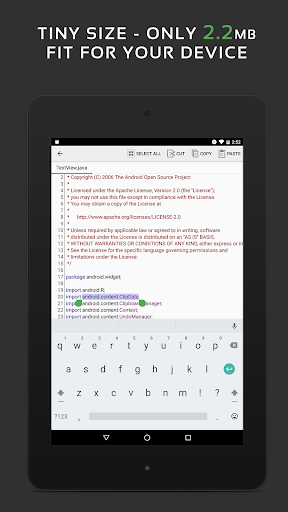
- Powerful Text Editing FeaturesSupports syntax highlighting, auto-completion, and multi-cursor editing, enhancing productivity.
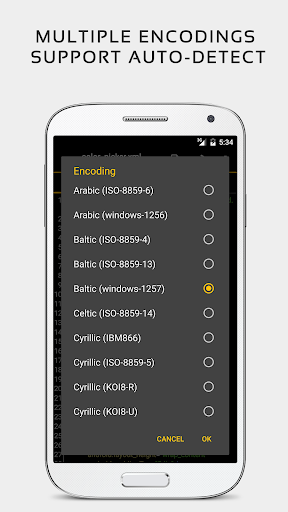
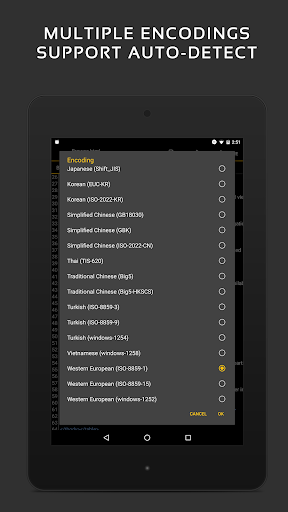
- Wide Format CompatibilityCan open and save multiple file formats including TXT, Markdown, and HTML, offering versatility.
- Code Snippet ManagementIncludes a built-in library for managing frequently used code snippets, saving time.
- Regular Updates and SupportThe developer provides regular updates addressing bugs and adding new features, improving reliability.
👎 Cons
- Limited Customization OptionsCustomization options for themes and keyboard shortcuts are somewhat basic, can be improved in future updates.
- Export Functionality RestrictionsExport options are limited; currently supports basic formats but lacks advanced options like PDF export.
- Offline Documentation ScarcityOfficial help resources are limited offline, which can be inconvenient for troubleshooting.
- Syncing Across DevicesMulti-device synchronization is not built-in; users have to rely on third-party cloud services.
- Occasional Lag with Large FilesPerformance may slow down with very large files or complex projects, but can often be mitigated by closing other applications.
Download QuickEdit Text Editor Pro
You are going to be redirected to the official website to finish the download when you click these buttons above.