
Stitch Photos: Long Screenshot
TAPUNIVERSE
Preview

Overview
Core Features
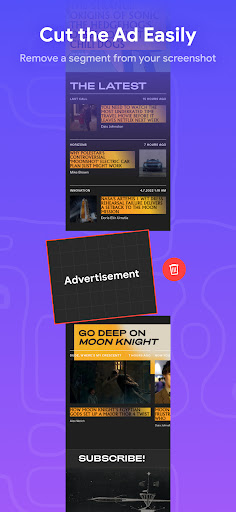
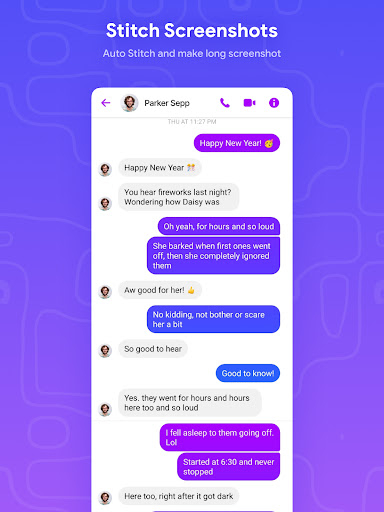
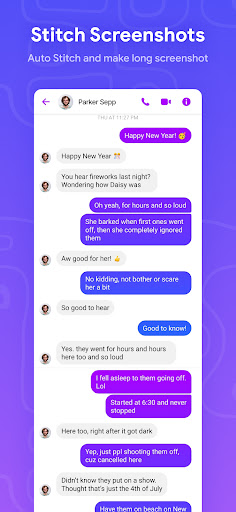
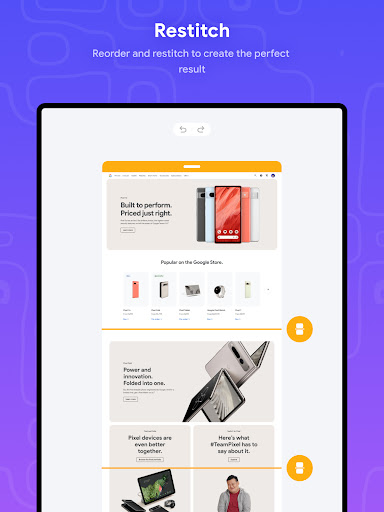
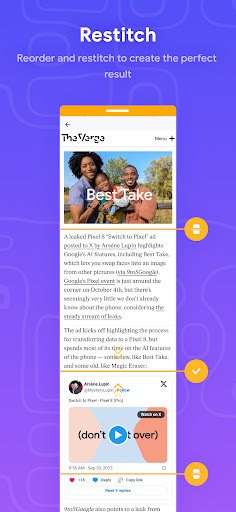
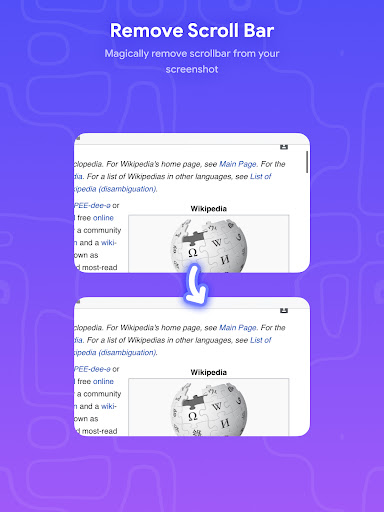
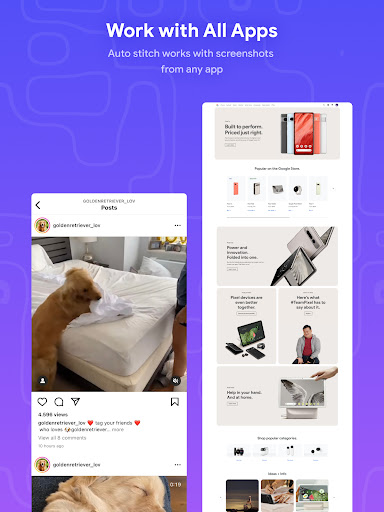
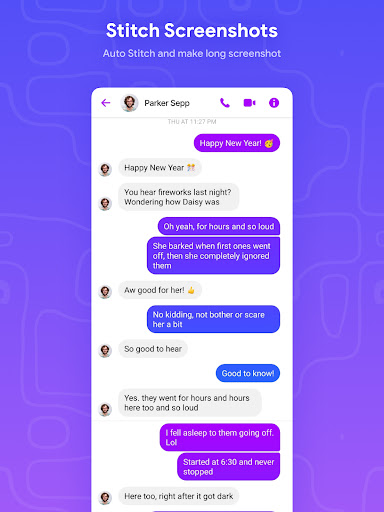
- Allows seamless stitching of multiple screenshots into one long image, ideal for capturing lengthy conversations or articles.
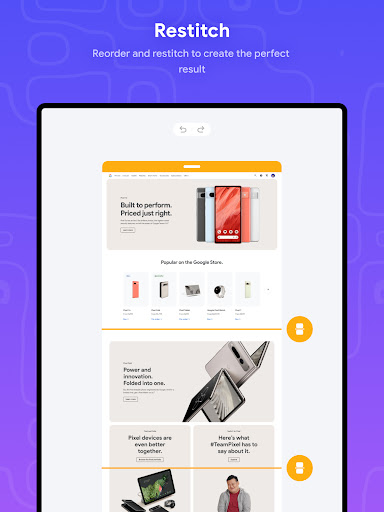
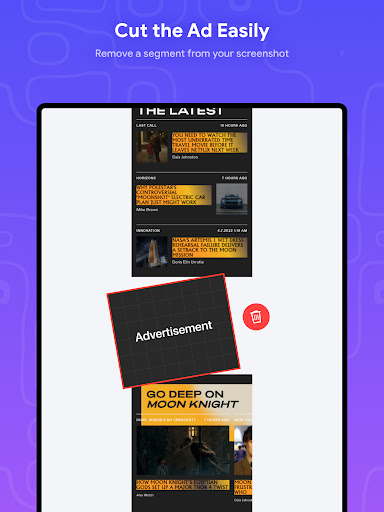
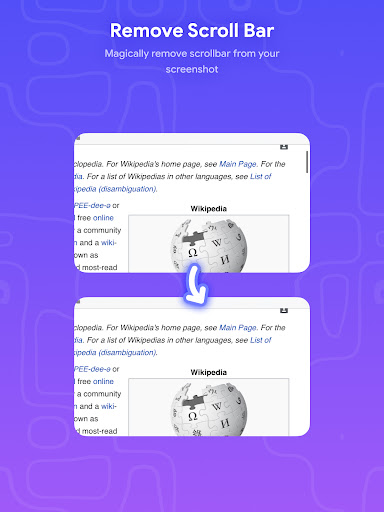
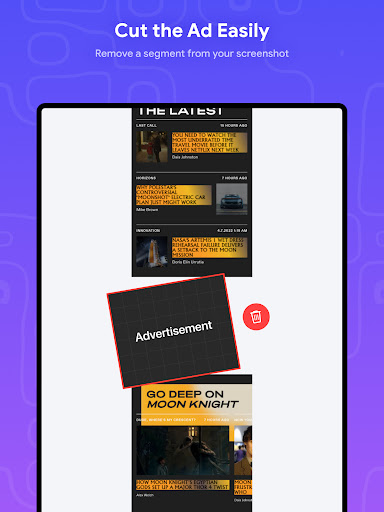
- Supports editing and cropping to refine images before combining, enhancing the overall app features for better customization.
- Offers an easy-to-use interface with drag-and-drop functionality, making the app experience smooth for users of all skill levels.
- Provides options to save high-resolution images directly to your device or share via social media platforms without quality loss.
- Includes batch processing capabilities, enabling users to stitch several screenshots efficiently in a single session.
Who This App Is For
This mobile app is perfect for students, professionals, and social media enthusiasts who often capture lengthy conversations or articles on their Android devices.
Whether you need an app-based solution for quickly stitching screenshots or want a reliable launcher app for organizing images, this app suits a wide range of users seeking efficient screen capturing tools.
Why Choose This App
This Android app stands out with its intuitive interface and reliable performance, making it easier to create long screenshots without hassle.
Its comprehensive app features address common user needs, providing a trustworthy solution for anyone looking to improve their app experience with effective screenshot stitching tools.
Features
1. User-friendly interface for quick screenshot stitching
2. Advanced AI recognition for automatic image merging
3. Seamless vertical and horizontal photo assembly
4. High-resolution images for professional sharing
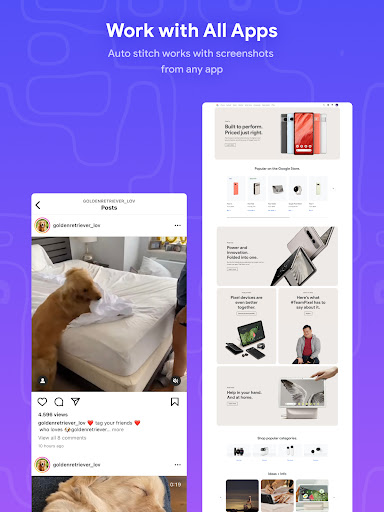
5. Easy website and long webpage capture
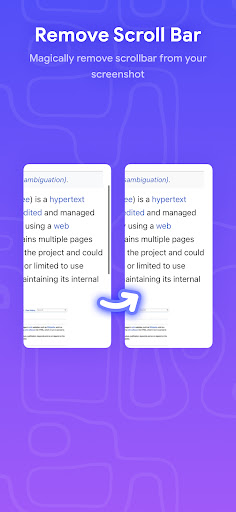
6. Powerful editing tools for customization and annotations
7. Efficient processing for large, detailed images
8. Versatile use for students, professionals, and social media
More Information
Stitch Photos: Long Screenshot is a user-friendly Android app designed to help you easily capture and create long, seamless screenshots of your screen content. Its intuitive interface provides a smooth app experience, making it ideal for capturing everything from chat conversations to detailed web pages. This app-based solution is perfect for anyone looking to enhance their productivity and organization on their mobile device.
👍 Pros
- User-Friendly InterfaceThe app features an intuitive design that makes capturing and stitching long screenshots easy for any user.
- Accurate StitchingIt effectively aligns multiple images to produce seamless long screenshots with minimal visible joins.
- Supports Various DevicesCompatible across a wide range of smartphones and tablets, ensuring broad accessibility.
- No Watermarks or AdsProvides a clean and unobtrusive experience without intrusive ads or watermarks on the output.
- Fast Processing SpeedQuickly processes screenshots, saving time during long capture sessions.
👎 Cons
- Limited Editing ToolsThe app lacks advanced editing features like cropping or highlighting sections directly, which could be inconvenient for some users.
- Handling of Very Long ScreenshotsOccasionally struggles with extremely long or complex screenshots, leading to minor stitching errors. Waiting for official updates may improve stability.
- Image Quality LossSome users report slight degradation in image clarity after stitching, especially with complex images or lower resolution originals.
- Difficulty with Non-Vertical ScreenshotsPrimarily optimized for vertical screenshots; horizontal or multi-directional captures might not stitch perfectly.
- Limited Export OptionsCurrently, only basic saving formats are supported; future updates could include more export formats or cloud syncing features.
Download Stitch Photos: Long Screenshot
You are going to be redirected to the official website to finish the download when you click these buttons above.







