TickTick:To Do List & Calendar
TickTick Limited
Preview
Overview
Core Features
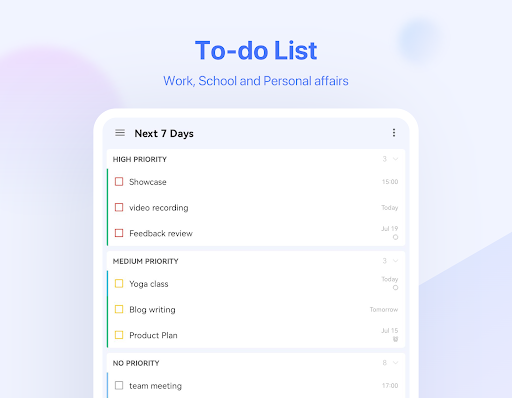
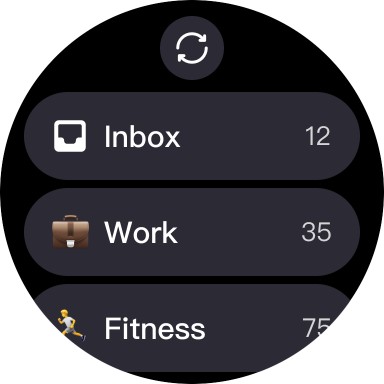
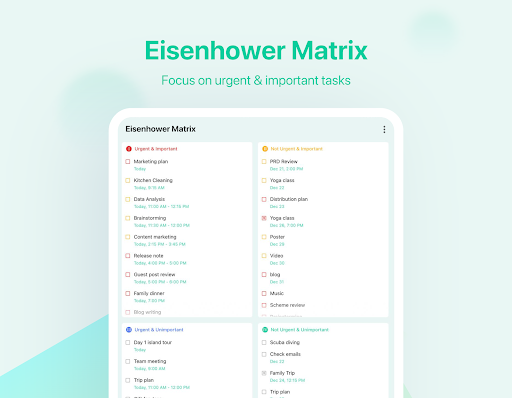
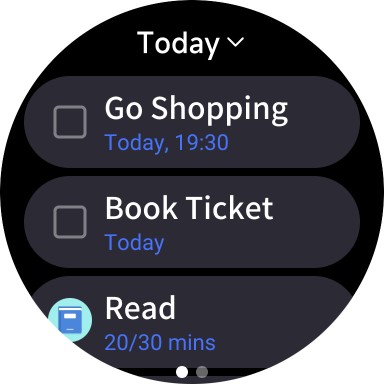
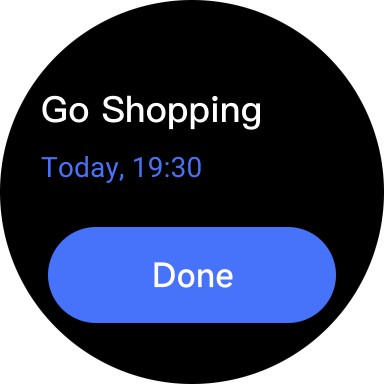
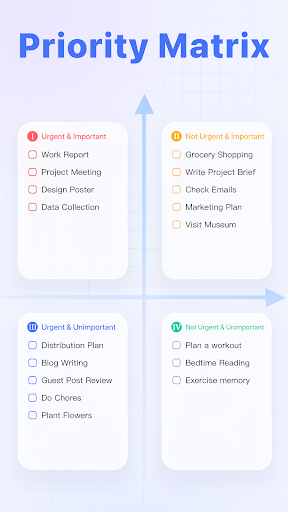
- Intuitive task management with customizable lists and priorities to keep your daily tasks organized.
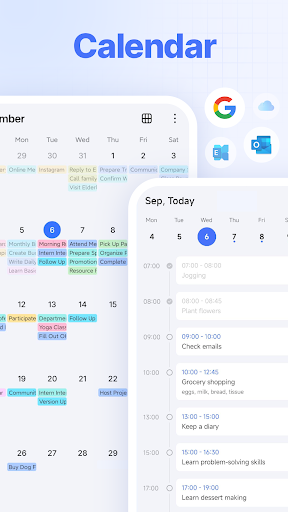
- Built-in calendar integration that allows seamless scheduling and reminder setup for better time management.
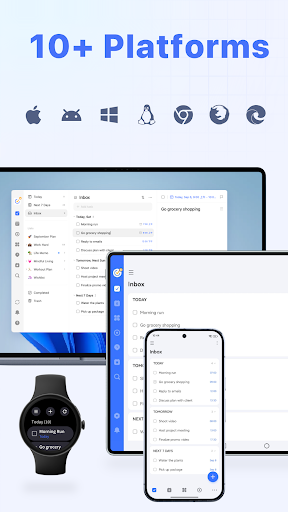
- Real-time sync across devices ensures your app experience is consistent whether on Android or iOS devices.
- Offline mode lets you add and edit tasks without an internet connection, syncing automatically later.
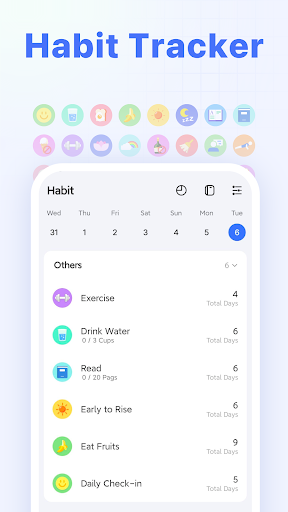
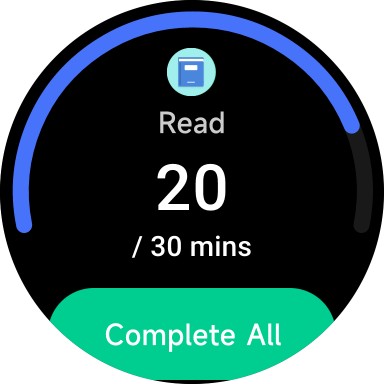
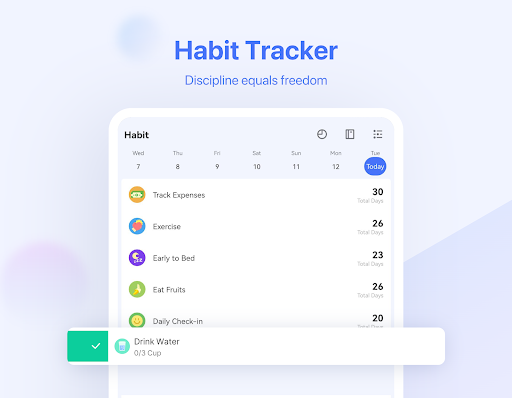
- Habit tracking features help you build routines and stay motivated with progress tracking and notifications.
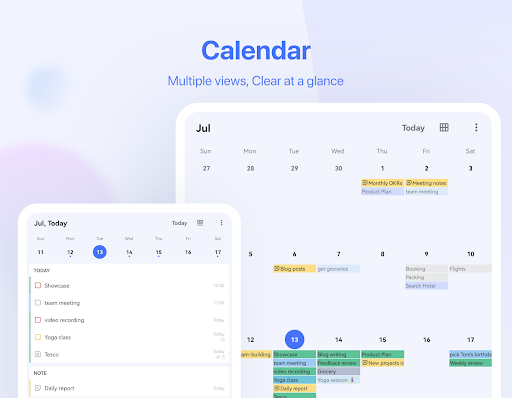
- Flexible calendar views, including daily, weekly, and monthly layouts, enhance your planning efficiency.
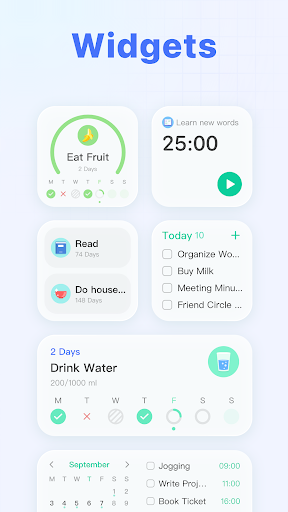
- App features include simple UI design and quick access, making it an excellent launcher app for productivity.
Who This App Is For
This mobile app is ideal for busy professionals, students, and anyone seeking a reliable app-based solution for managing tasks and schedules efficiently. It caters to users who value simplicity and strong organizational tools.
Whether you need a straightforward app experience for daily to-dos or a comprehensive system to track habits and appointments, this app fits well into various scenarios, from personal planning to team collaboration.
Why Choose This App
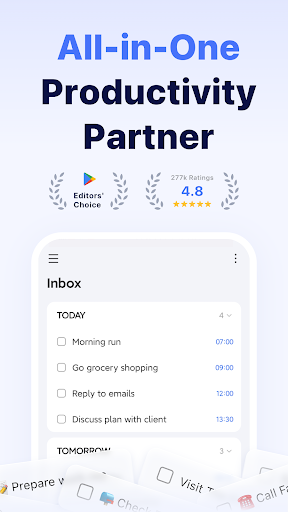
This Android app offers an all-in-one platform that combines task management, calendar features, and offline access, providing a smooth app experience. It stands out by offering customizable options and real-time syncing that meet diverse productivity needs.
By focusing on user-friendly design and reliable app features, it effectively solves common planning challenges, making it a trustworthy choice for anyone looking to boost their daily productivity with an app-based solution.
Features
1. Streamlined task management for better organization
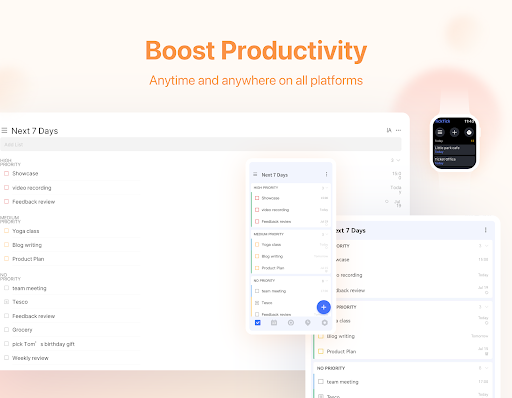
2. Cross-platform syncing for seamless access
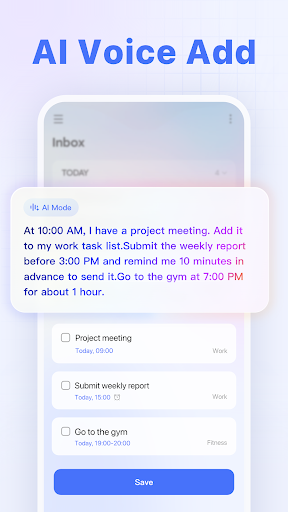
3. Easy task creation with smart scheduling
4. Built-in habit tracker for lifestyle improvement
5. Visual calendar with calendar integration
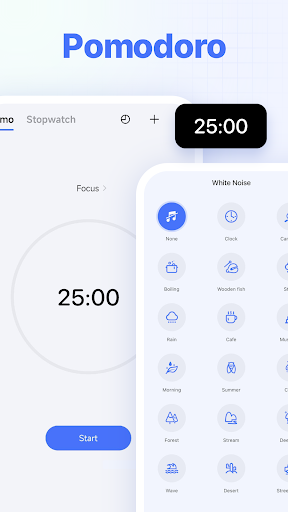
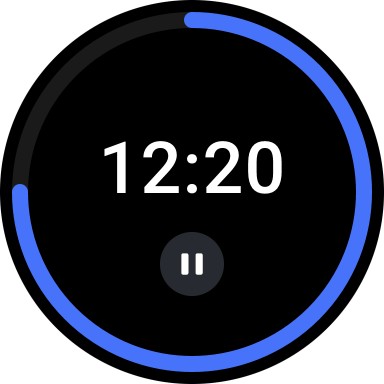
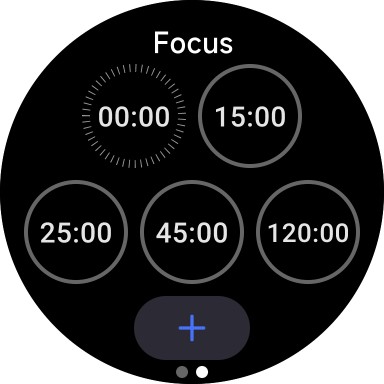
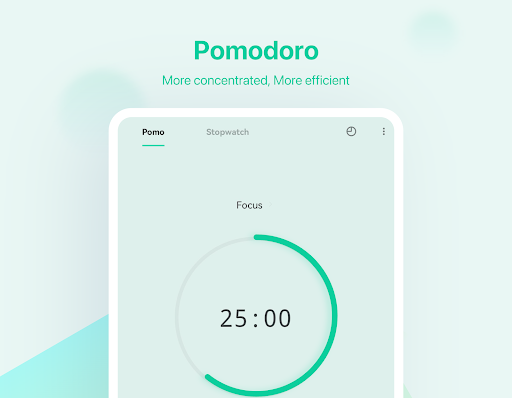
6. Focus-enhancing Pomodoro timer feature
7. Collaborative list sharing for teamwork
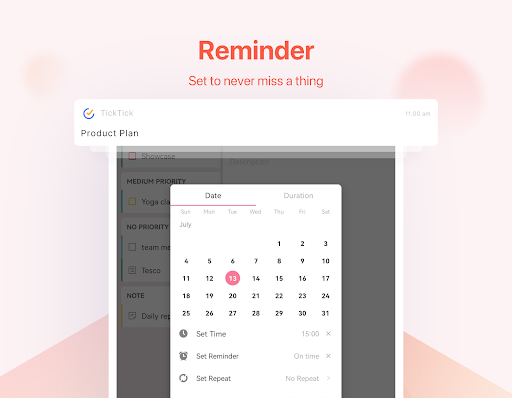
8. Customizable reminders for timely alerts
More Information
TickTick: To Do List & Calendar is a versatile mobile app designed to help users stay organized and boost productivity. Available across various platforms, including Android and iOS devices, this app features task management, calendar integration, and reminders, offering a smooth app experience for personal and professional use. Its intuitive interface and comprehensive app features make it a trusted app-based solution for managing daily tasks efficiently.
👍 Pros
- Intuitive User InterfaceThe app offers a clean and user-friendly design that simplifies task management for new and experienced users alike.
- Robust Task OrganizationFeatures like nested tasks, tags, and priority levels help users categorize and prioritize their to-do lists effectively.
- Powerful Calendar IntegrationSeamlessly syncing with calendars like Google Calendar allows users to view tasks and events in one place.
- Cross-Platform CompatibilityAvailable on iOS, Android, Web, and desktop, ensuring users can access their tasks anytime, anywhere.
- Built-in Pomodoro TimerThe integrated focus timer enhances productivity by promoting time management techniques directly within the app.
👎 Cons
- Limited Free FeaturesMany advanced features, such as calendar views and custom filters, are locked behind a premium subscription, which may deter casual users.
- Sync Delays Occasionally OccurTask synchronization across devices sometimes experiences delays, but official updates are expected to improve real-time syncing.
- Customization Options Could Be More FlexibleWhile functional, the app's customization options for themes and layouts are somewhat limited, which might affect personalized usability.
- Learning Curve for Advanced FeaturesNew users may need time to fully explore complex features like templates or automation rules, but tutorials are available online.
- Notification Management Needs ImprovementNotification settings can be a bit basic, and users may need to customize through device settings for optimal alerts; future updates may enhance this.
Download TickTick:To Do List & Calendar
You are going to be redirected to the official website to finish the download when you click these buttons above.







