Transparent clock weather Pro
MACHAPP Software Ltd
Preview
Overview
Core Features
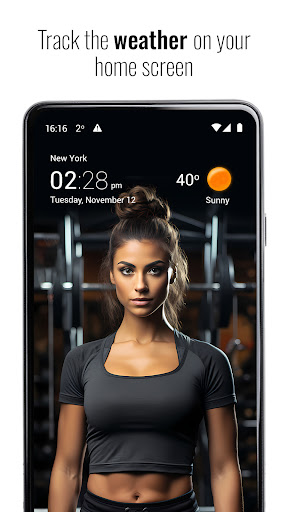
- The app features a customizable digital clock with multiple themes, styles, and fonts for a personalized look.
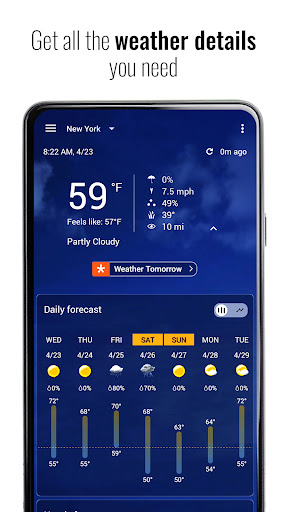
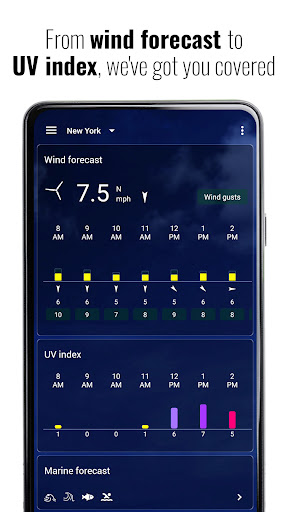
- Real-time weather updates with detailed forecasts, including temperature, humidity, wind speed, and UV index.
- Widget support allows quick access to weather and clock on your home screen, enhancing your app experience.
- Dark mode and adjustable layouts help reduce eye strain and improve usability in various lighting conditions.
- Seamless integration with other launcher apps provides an intuitive and cohesive user interface.
- Offline mode available for weather data retrieval, ensuring app features are accessible without internet.
- High accuracy and fast data refreshes make this Android app a reliable weather and clock solution.
Who This App Is For
This mobile app is ideal for tech-savvy users, commuters, and anyone who wants quick access to accurate weather and time information on their Android device.
It suits those looking for a reliable app-based solution that combines weather updates with a stylish launcher app experience, perfect for customizing their device's appearance and functionality.
Why Choose This App
This Android app offers a comprehensive set of app features that enhance daily routines with real-time weather data and customizable clock displays, making it a standout choice among weather and clock apps.
Its ease of use, accuracy, and flexible design address common user needs for reliable information, setting it apart from other apps in the crowded market of weather and launcher solutions.
Features
1. Accurate local weather updates for daily planning
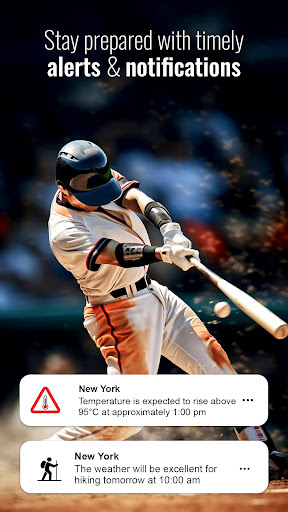
2. Real-time severe weather alerts for safety
3. Customizable home screen widgets for quick access
4. Detailed weather data and long-term forecasts
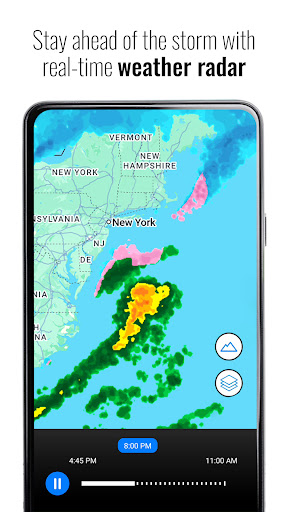
5. Interactive radar maps for weather tracking
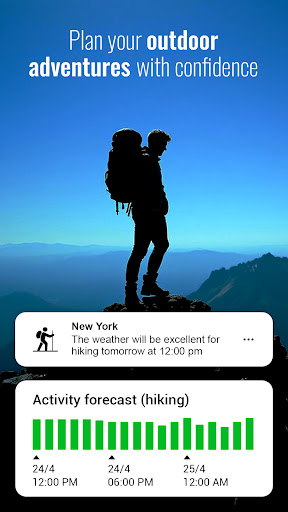
6. Outdoor activity suggestions based on weather conditions
7. Sun and moon tracker for natural light planning
8. Premium animated radar and storm tracking tools
More Information
Transparent Clock Weather Pro is a popular Android app designed to provide accurate weather updates and real-time clock features directly on your device. As a versatile launcher app, it offers a clean and customizable interface that enhances your app experience while keeping you informed about current weather conditions and forecasts. With its user-friendly design, it serves as an excellent app-based solution for those who want quick access to essential weather information on their mobile devices.
👍 Pros
- Accurate real-time weather updatesProvides precise, real-time weather data with frequent updates, ideal for planning outdoor activities.
- Customizable transparent clock displayOffers a sleek, transparent clock overlay that seamlessly integrates with the weather information.
- Comprehensive weather informationIncludes detailed metrics like humidity, wind speed, and UV index for thorough weather insights.
- User-friendly interfaceFeatures an intuitive design that makes navigation and reading weather data straightforward.
- Widgets and notification supportAllows users to add customizable widgets and receive timely weather alerts on their device.
👎 Cons
- Battery consumption could be highConstant GPS and radar updates may drain battery faster; reducing update frequency might help.
- Limited free featuresSome advanced widgets and customization options are behind a premium paywall, which may frustrate free users.
- Minor bugs in widget displaySome users report occasional glitches or glitches in widget refresh; official updates are expected to fix this.
- Map feature sometimes lagsWeather map animations can be slow on older devices, but performance improves on newer phones.
- Notification settings can be complexConfiguring precise weather alerts may require multiple adjustments; future updates aim to simplify this.
Download Transparent clock weather Pro
You are going to be redirected to the official website to finish the download when you click these buttons above.







